
Menu System
Main menu, pause menu and full settings in one drop-in CommonUI package, for mouse, keyboard and gamepad.
Highlights
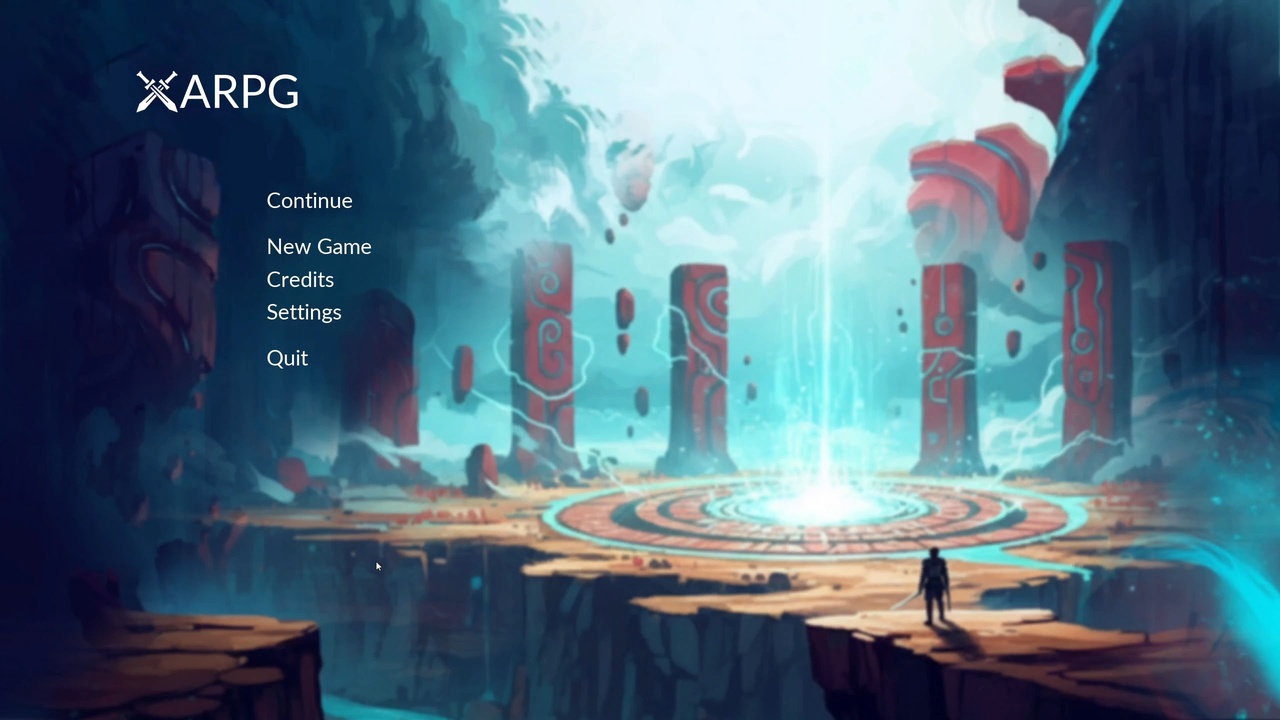
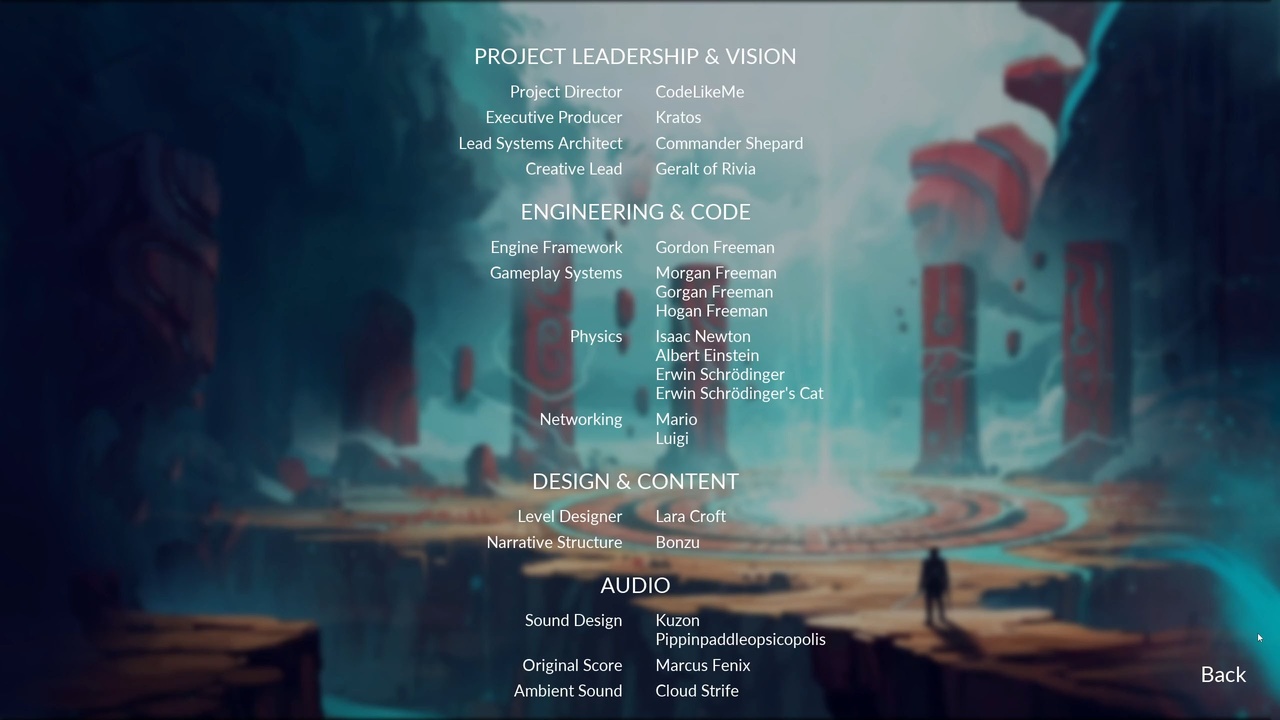
- Main menu with New Game / Continue flow and a credits screen
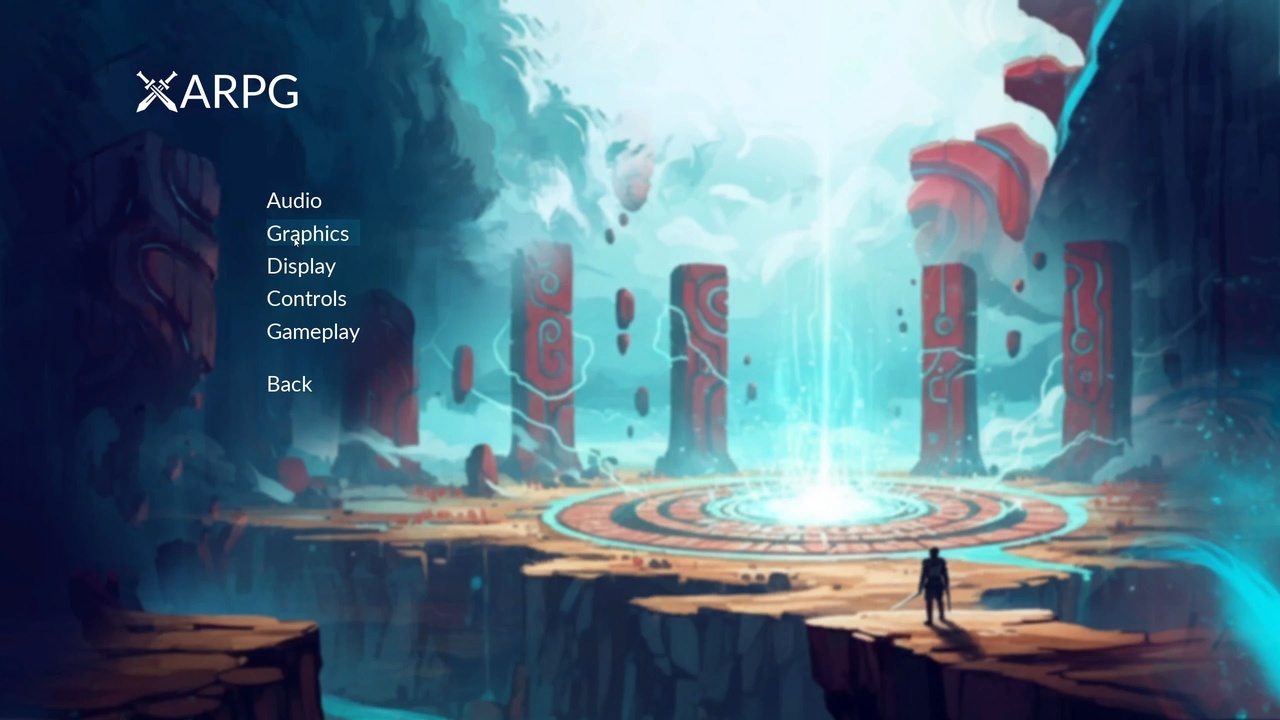
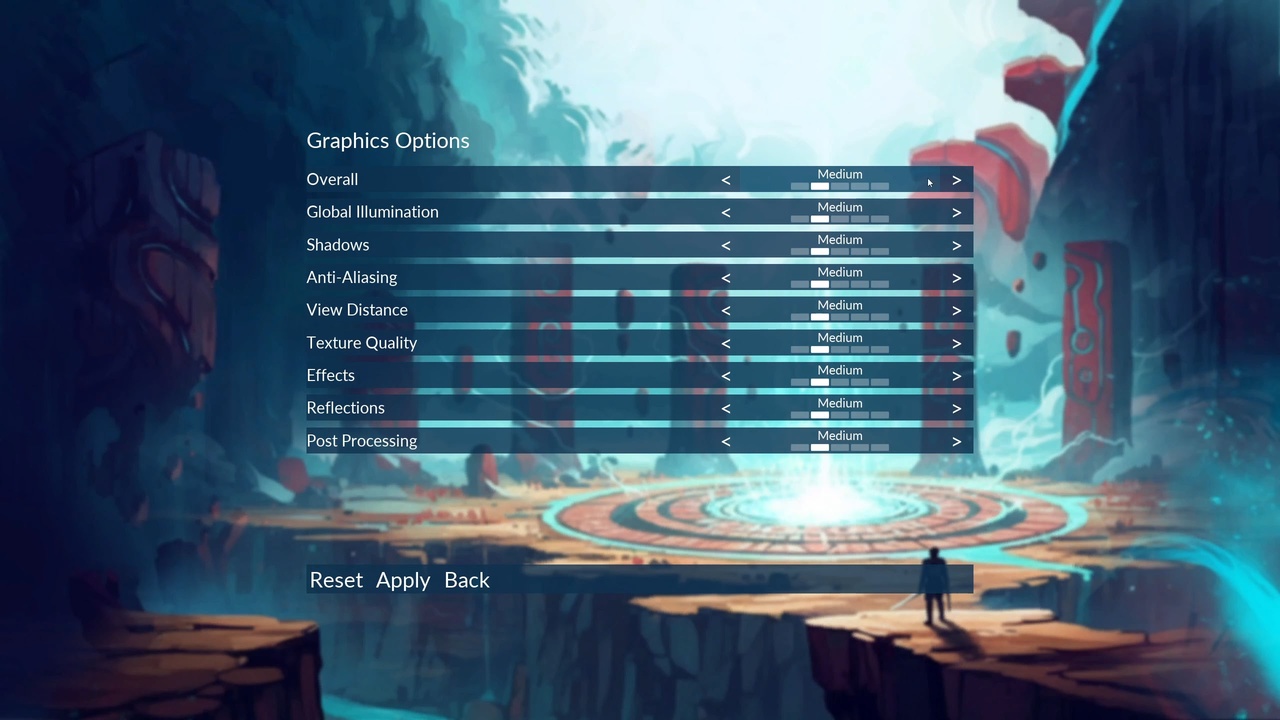
- Settings for audio, graphics, display, control remapping and gameplay
- Pause menu with resume, settings and return to main menu
- Built on CommonUI: mouse, keyboard and gamepad with seamless switching
Gallery
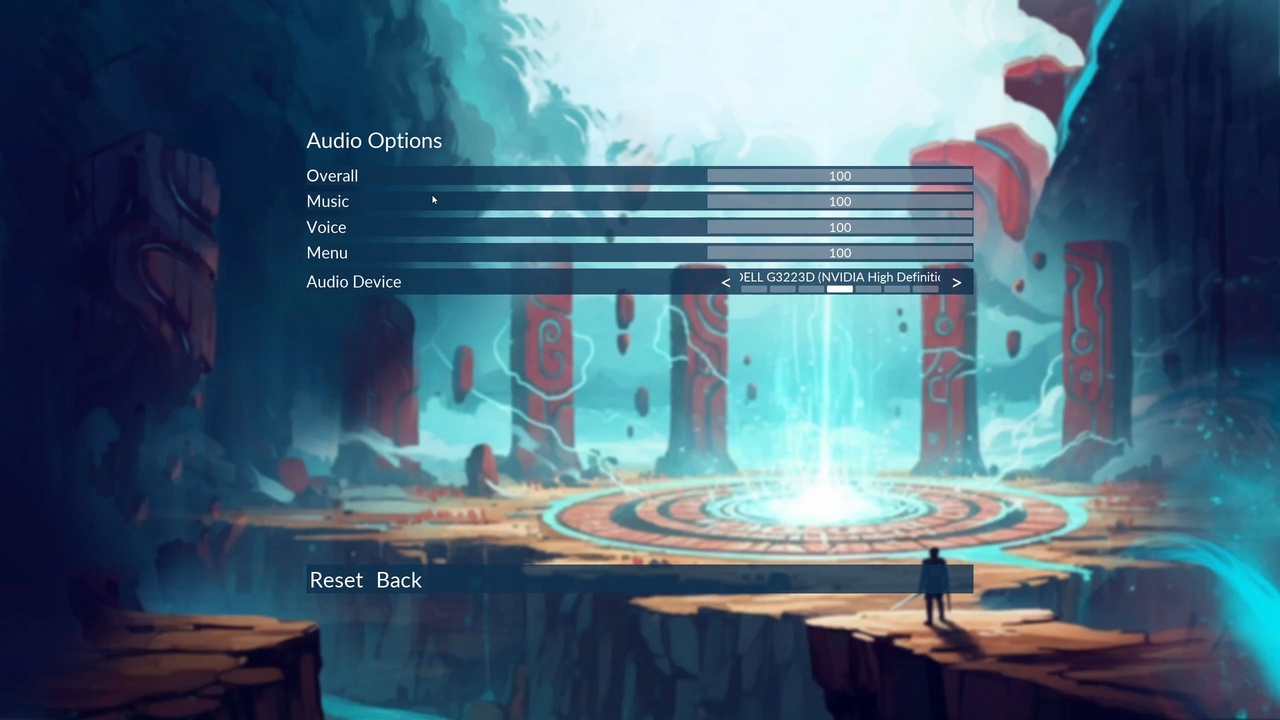
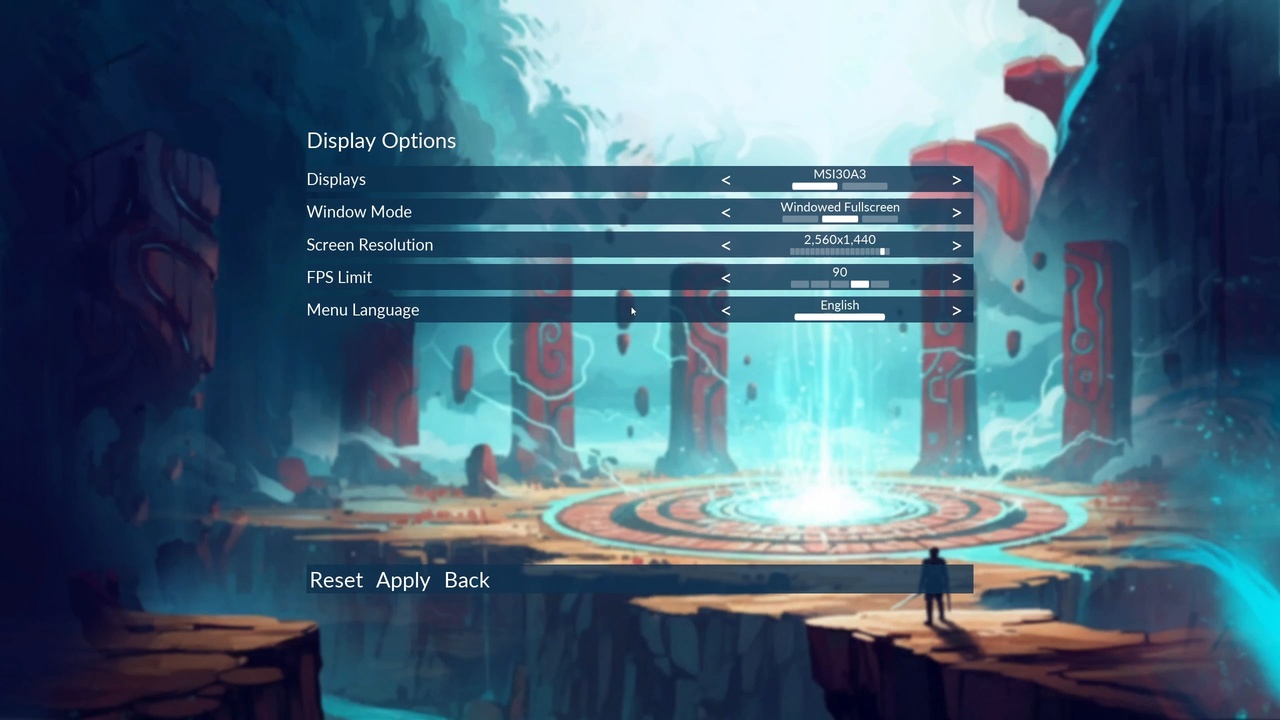
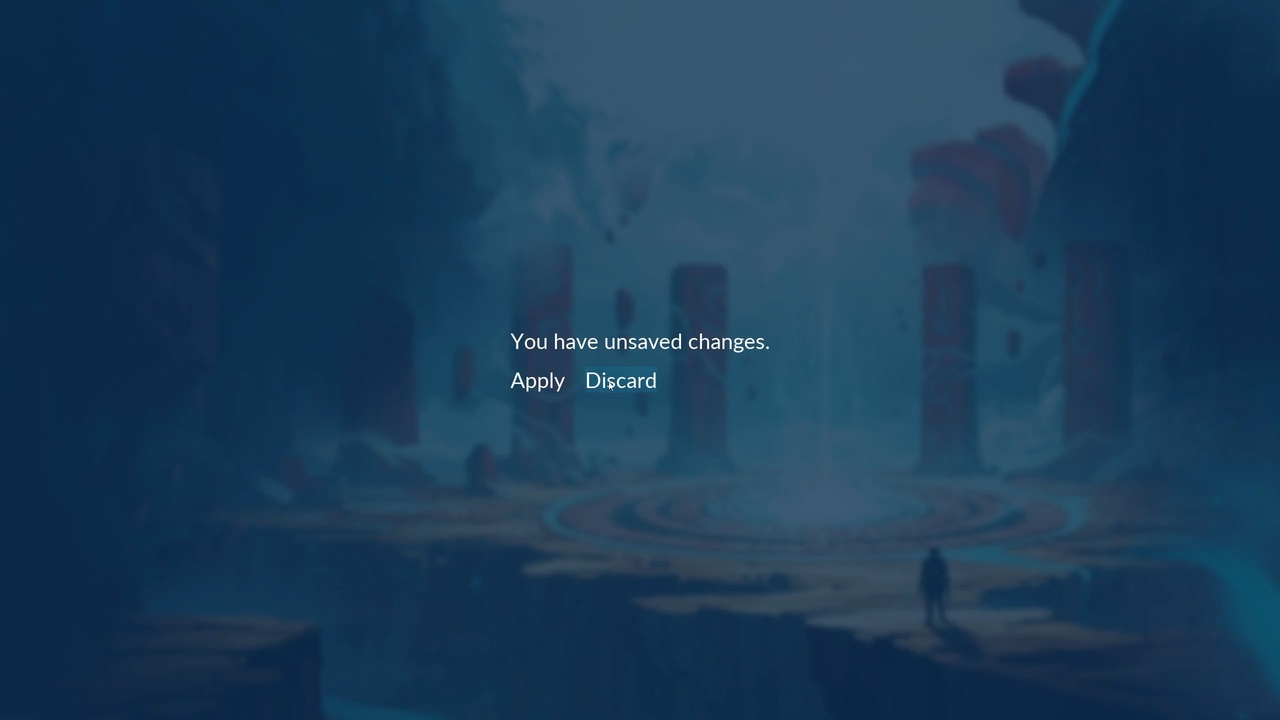
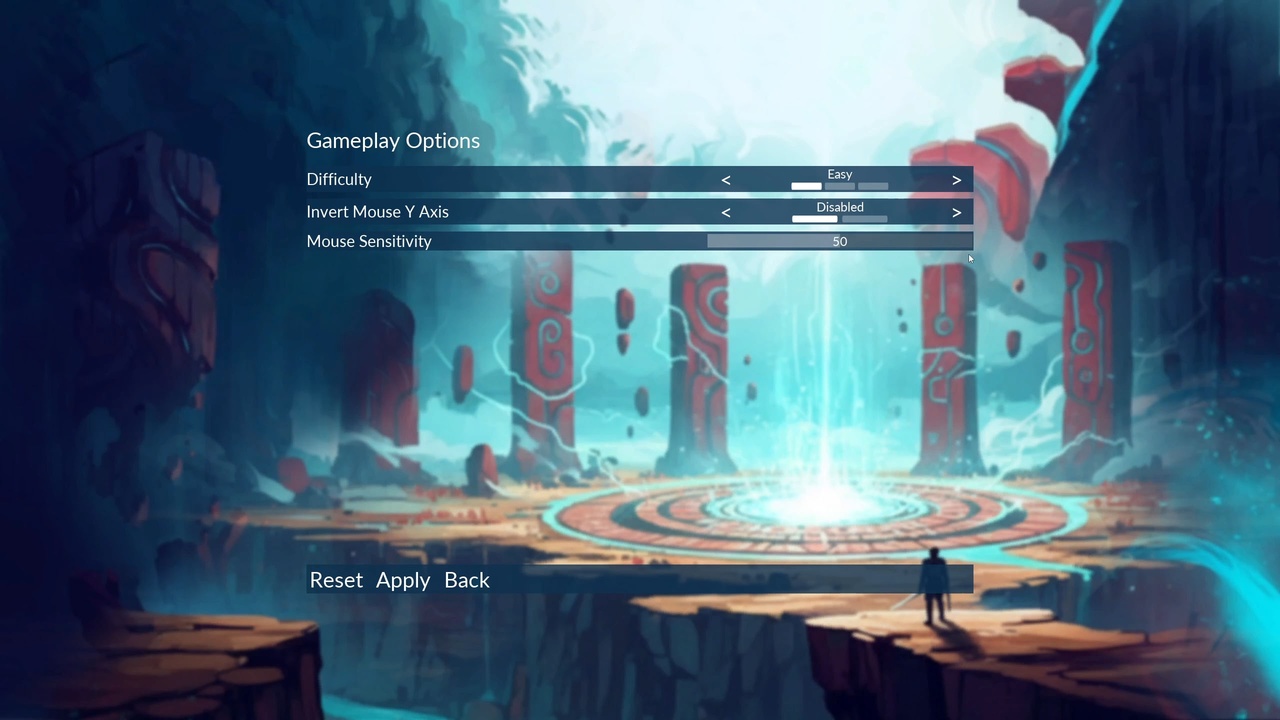
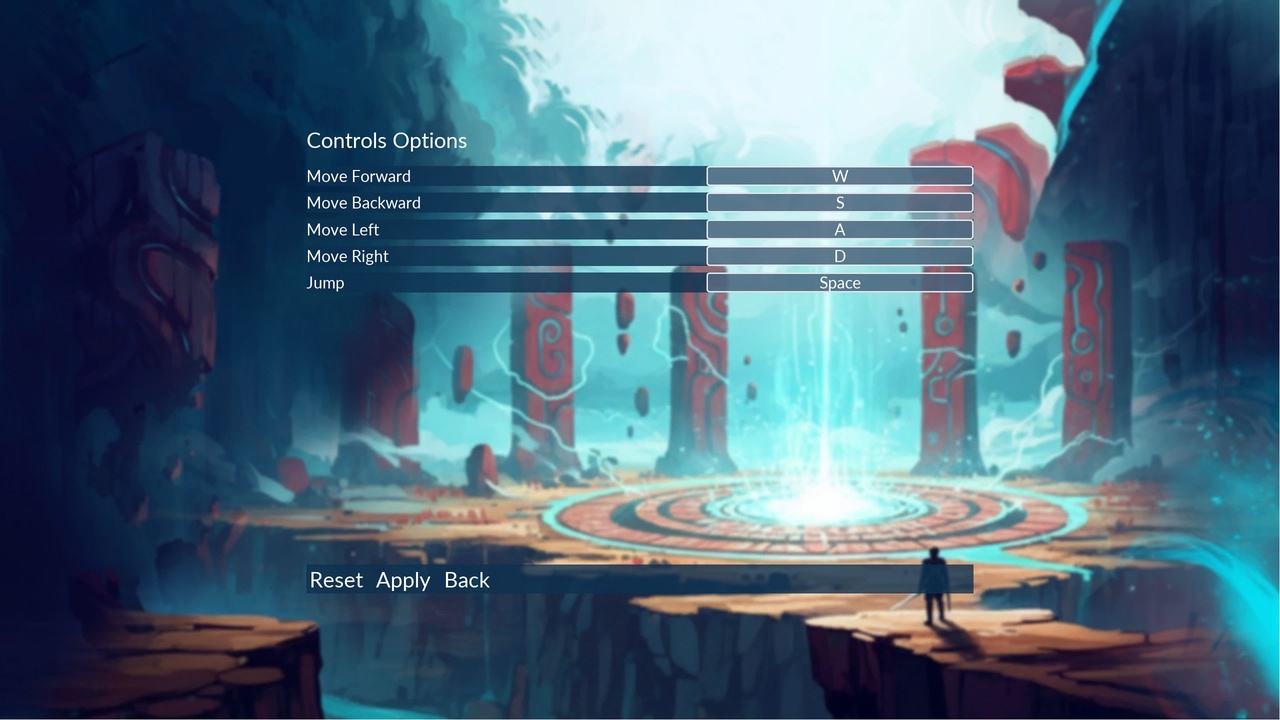
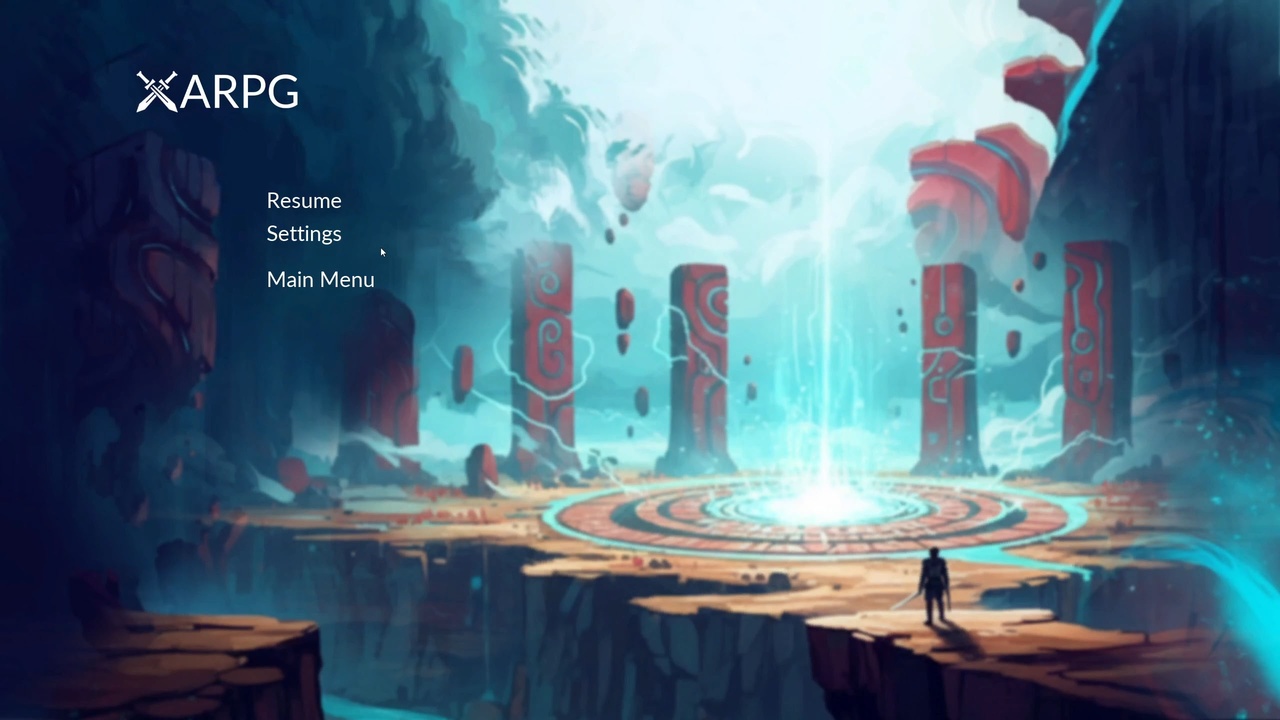
1 / 10
The Fab listing has the full feature list and supported engine versions.
Related tutorials
Free tutorial series on the CodeLikeMe channel that explore the same systems, step by step.
 Common UI Menu System51 videos · plugin available
- Complete Game Menu with Common UI49 videos · plugin available
Documentation
Menu System documentationOverview and links. The full guide is being written.
More videos

More in Effects & UI
- Weather Effects: Ten Niagara weather systems (snow, blizzard, rain, hail, thunder and lightning), Blueprint-driven and adjustable at runtime.
- Tactical Vision: Night vision, thermal and heat vision post-process effects with scope zoom, sight masking and full-screen visor modes.
- Outlines: Twelve post-process materials for enemy outlines, stealth overlays, focus highlights and scan effects, using Custom Depth.