Aurum
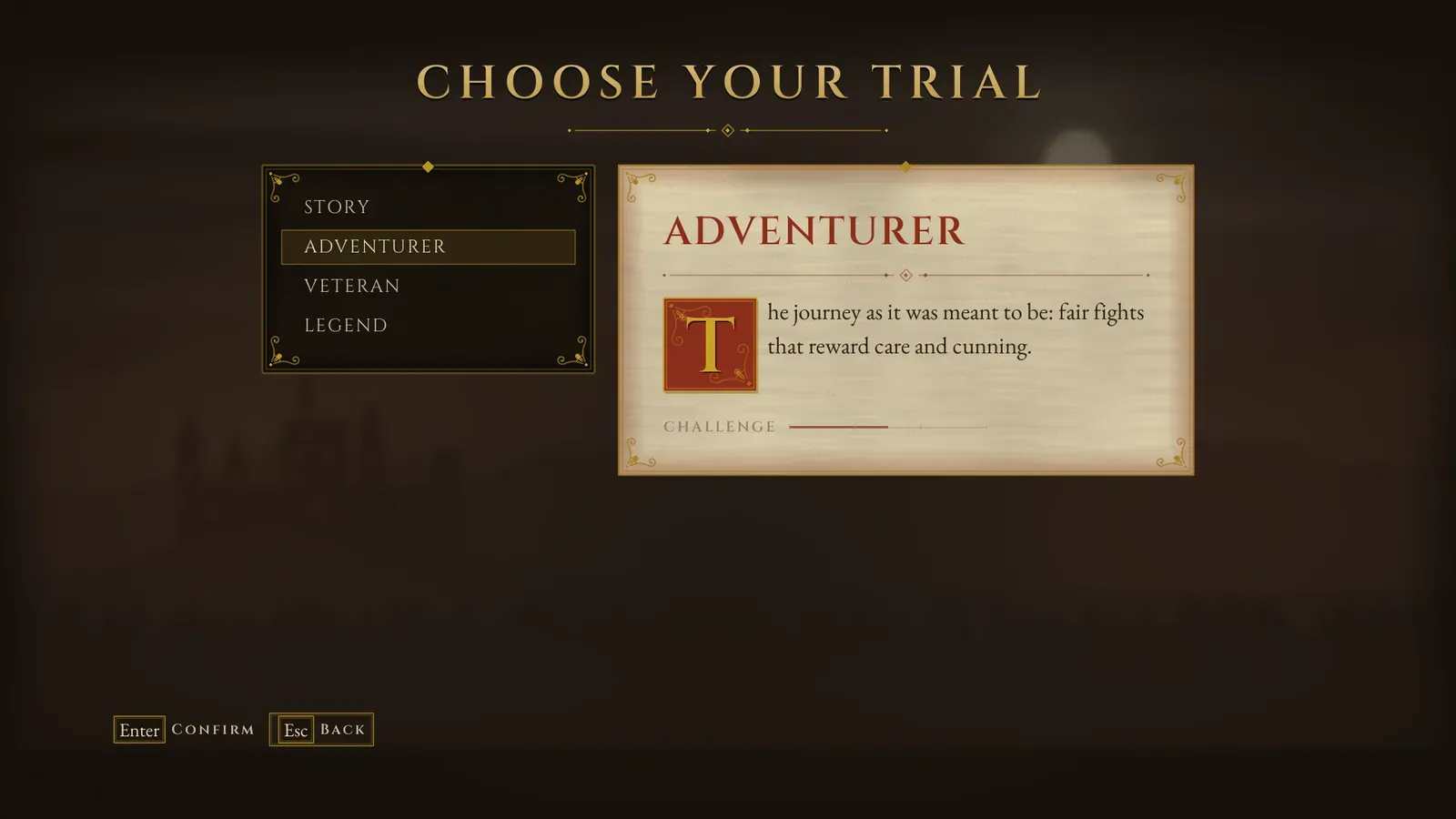
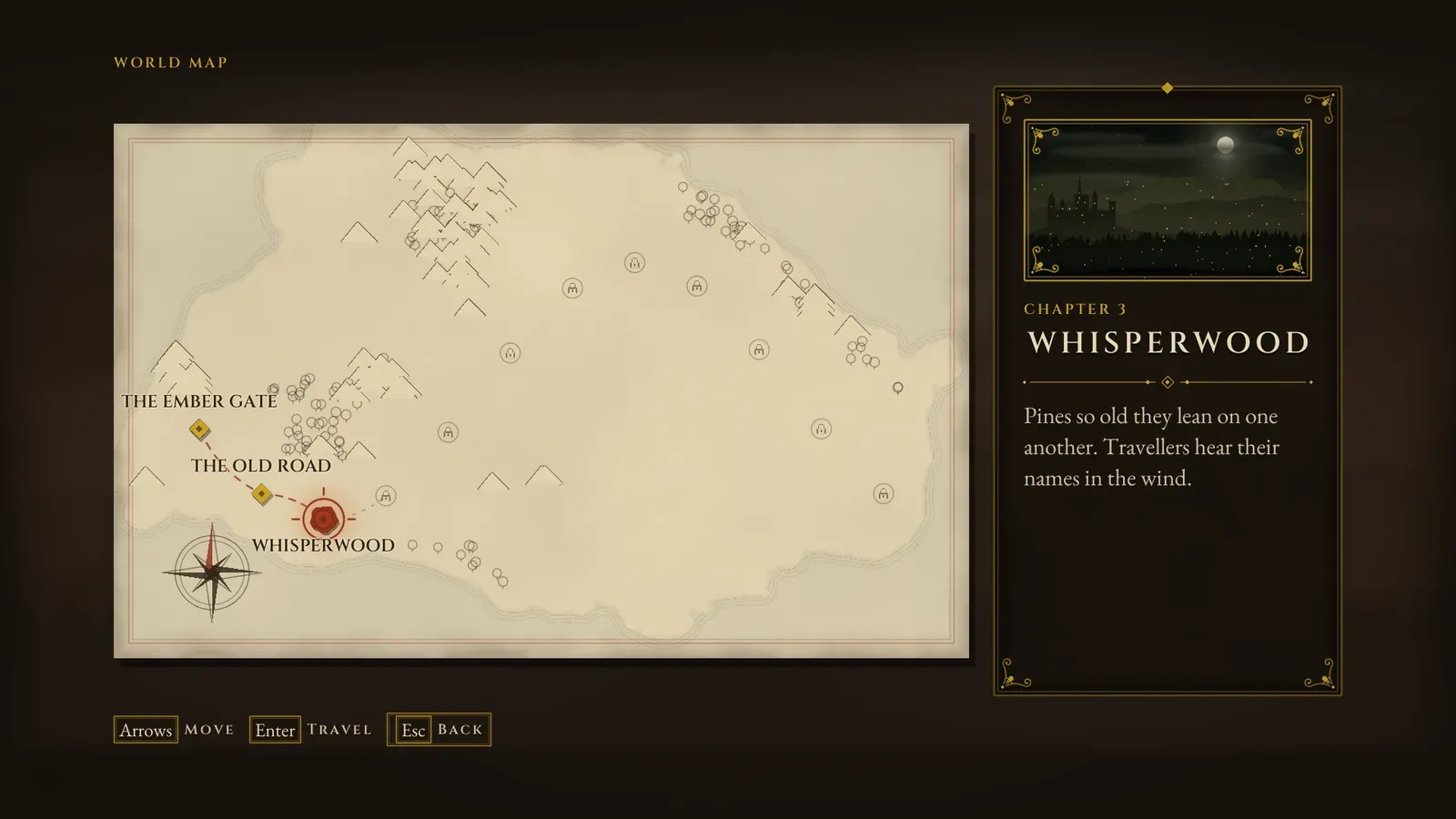
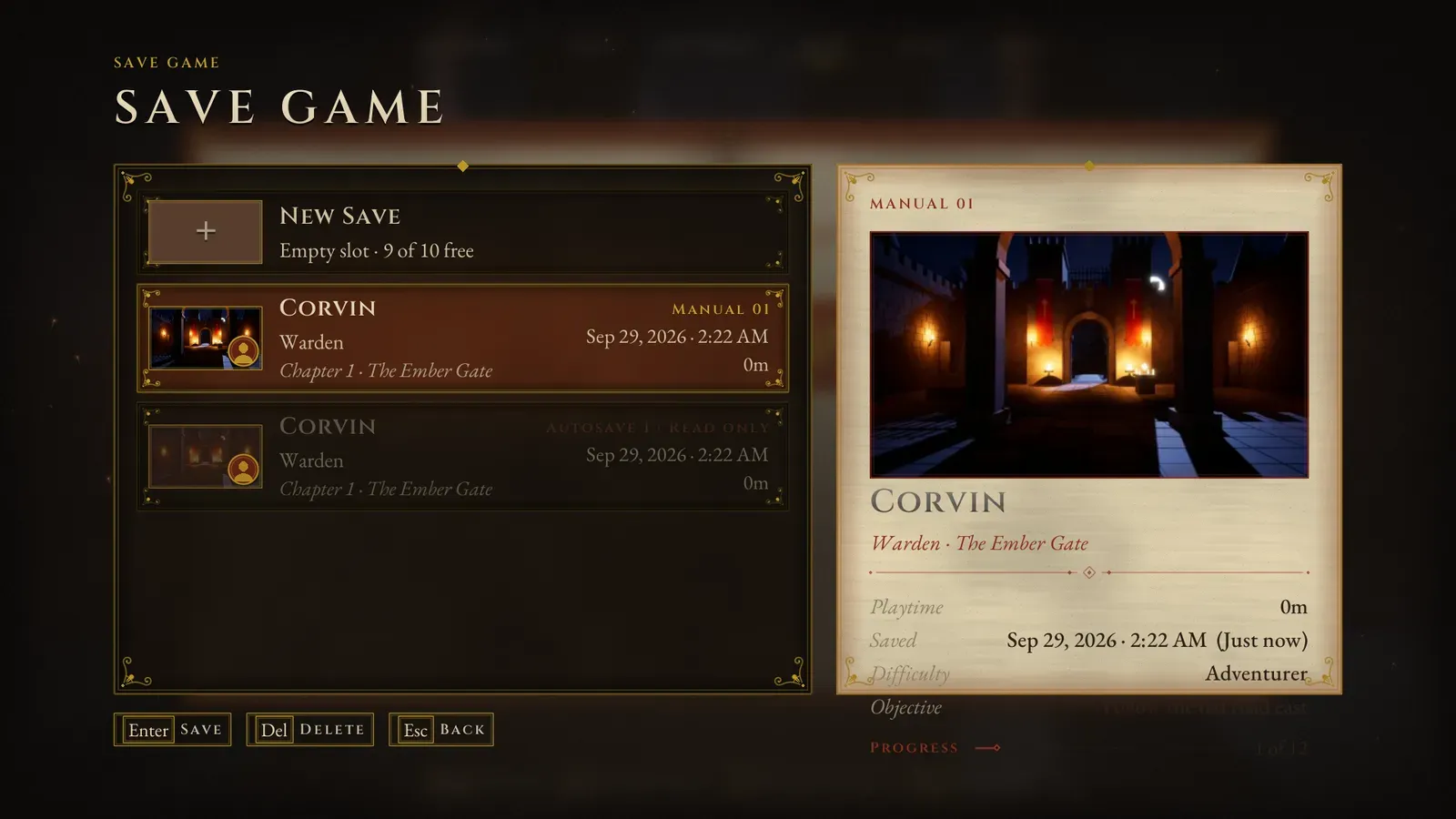
Aurum is the fantasy RPG member of the menu systems family, sold on Fab as Assetpro Fantasy Menu. It is a complete fantasy RPG UI system, menus and HUD together: a main menu with a crest over a painted castle vista, character creation, save slots that show the hero, a world map, a codex, a pause menu that is an open book, settings, credits and a HUD.
Every screen and HUD piece is generated in C++ from two data assets, a Theme for the look and a Menu Config for the content, so it works the moment the plugin is enabled, with mouse, keyboard and gamepad, and without any CommonUI input data to set up.
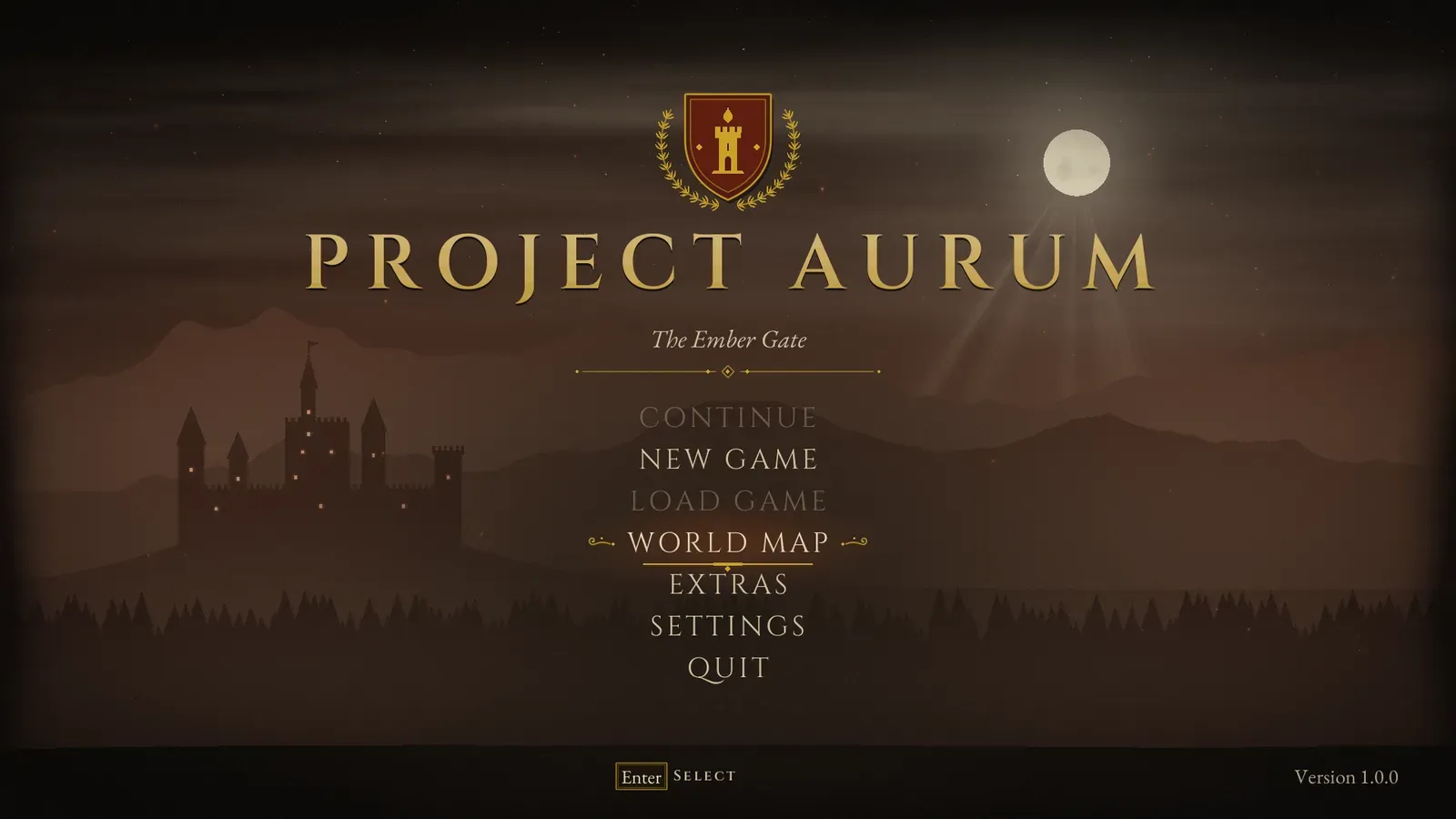
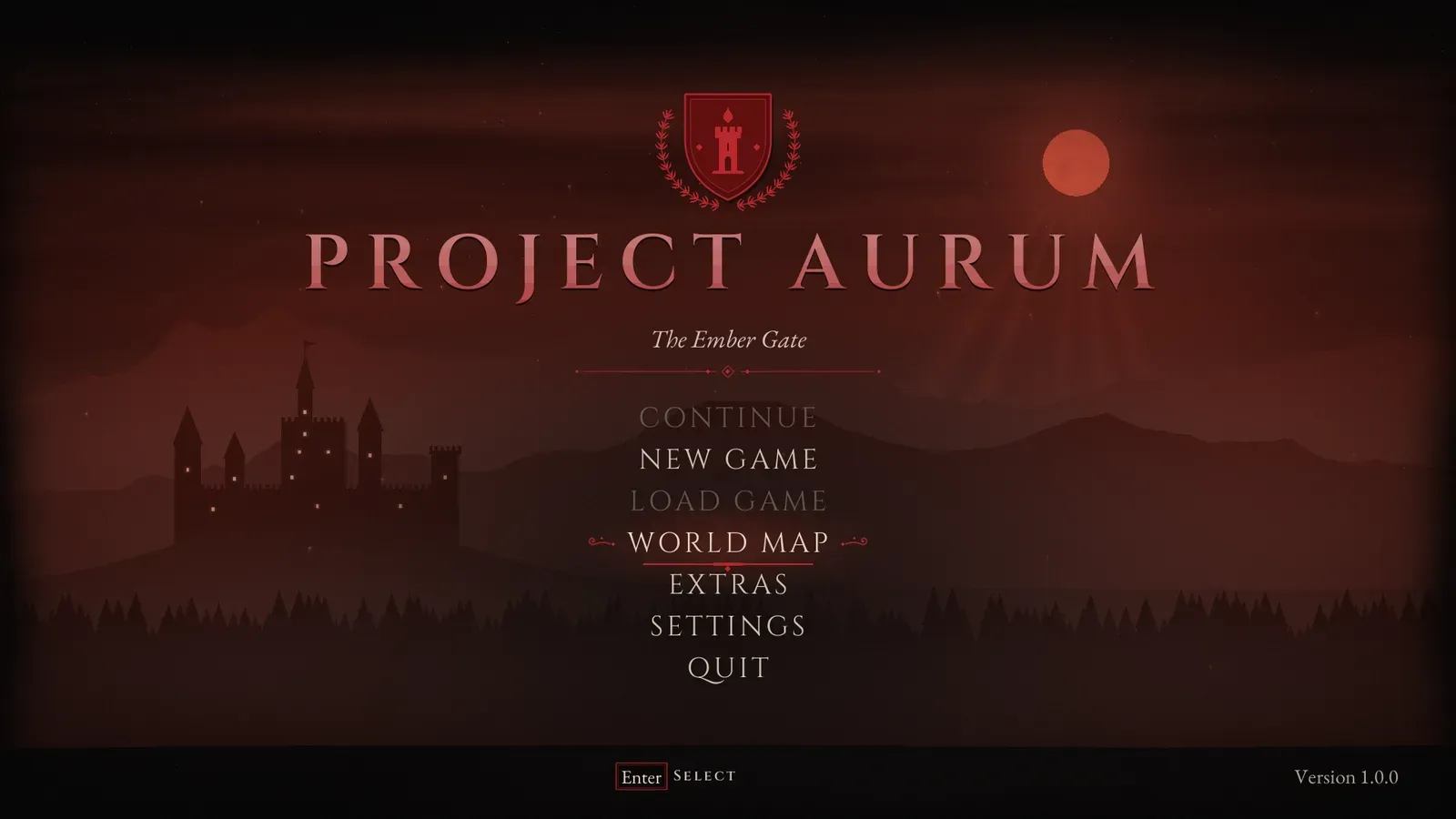
The Aurum main menu: a gold crest above the title PROJECT AURUM, over a dark castle vista at night, with Continue, New Game, Load Game, World Map, Extras, Settings and Quit.
- Current version
- 1.0
- Unreal Engine
- 5.4 - 5.8
The demo video
Section titled “The demo video”What you get
Section titled “What you get”The screens
- Main menu with a heraldic crest, your title and subtitle, version text and your own entries, over a castle vista drawn in code.
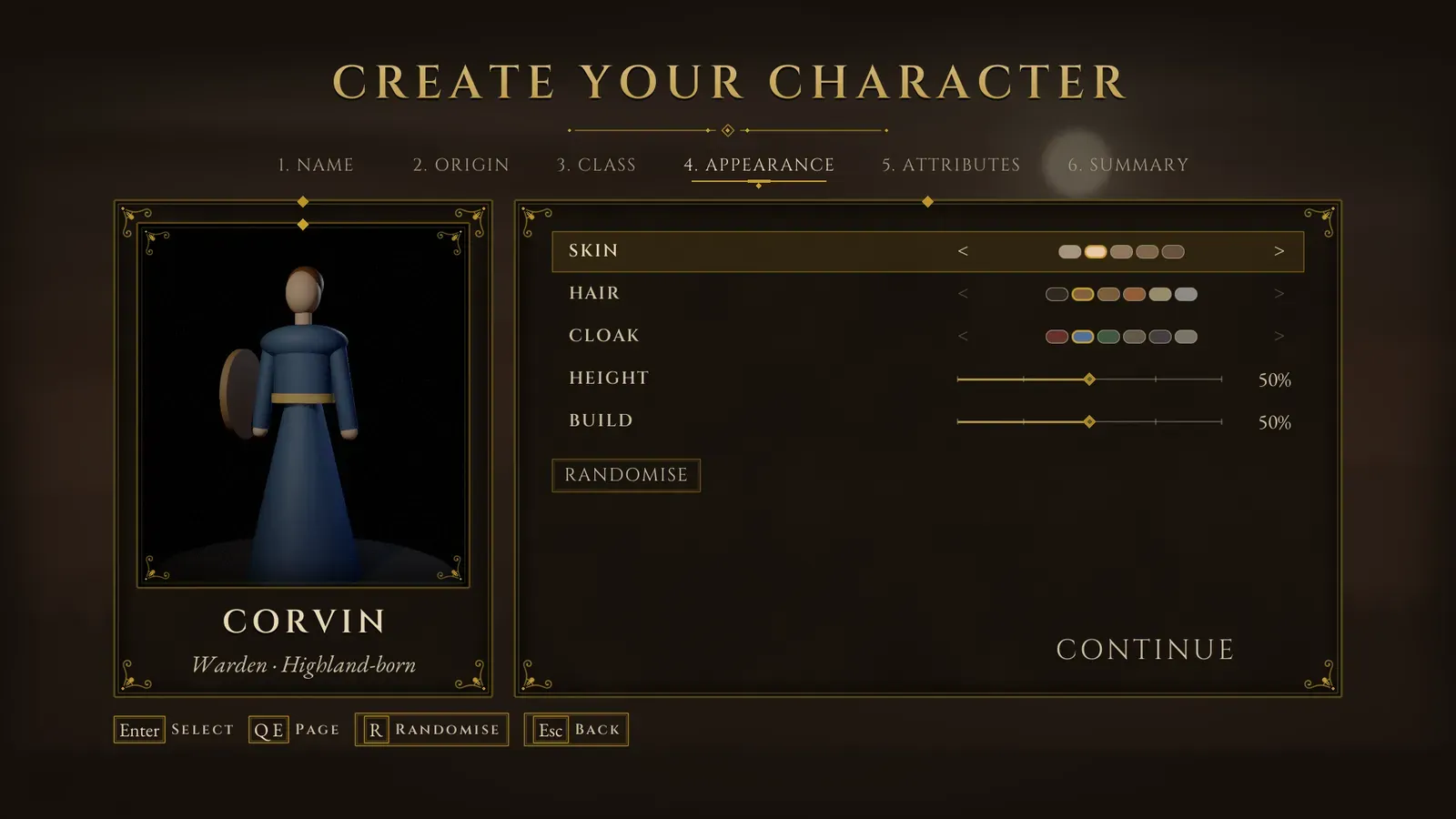
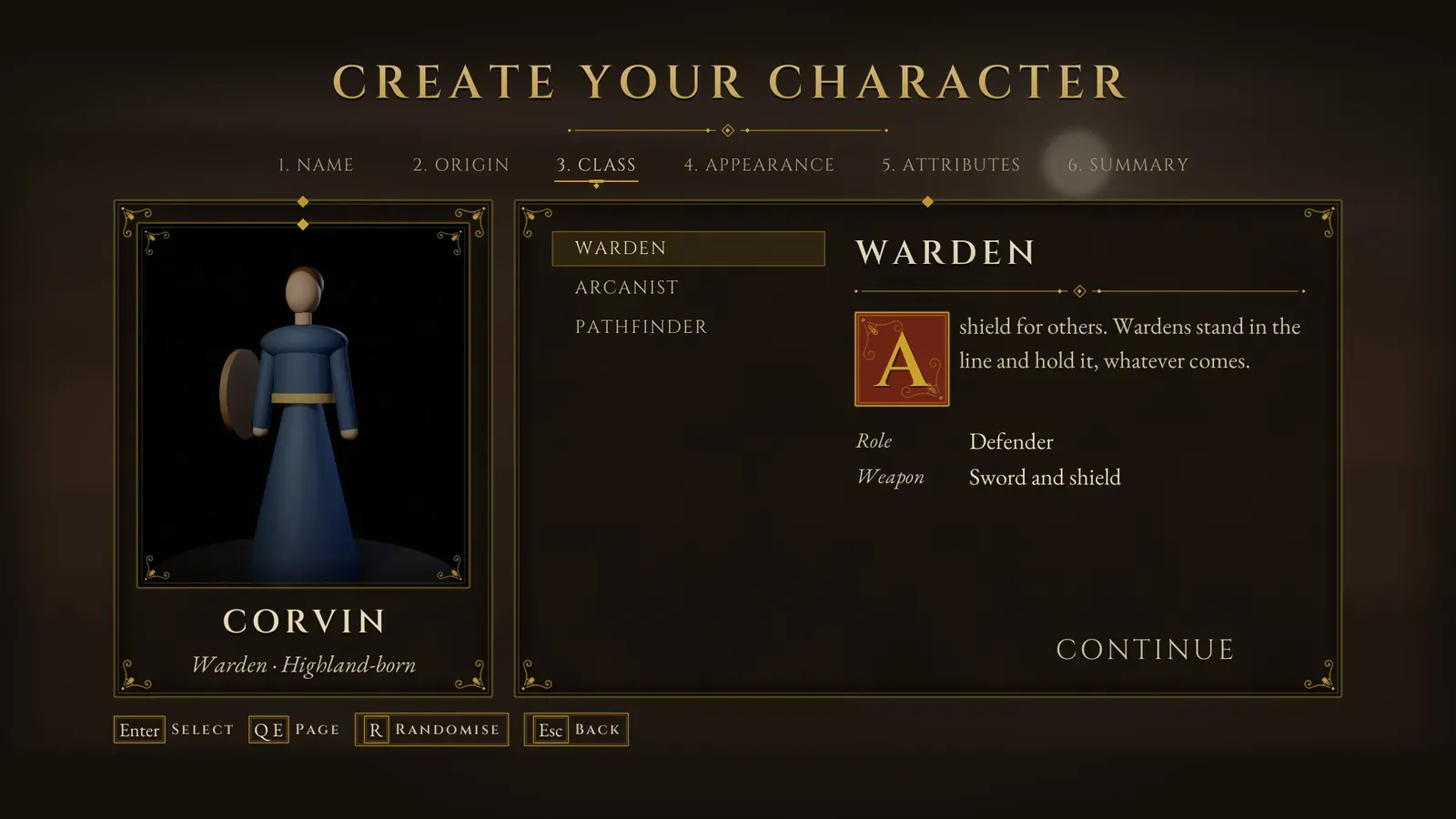
- New game flow: character creation with the character turning in a mirror, a difficulty choice and an intro card. See New game.
- Save and load slots that show the hero, with checkpoint autosaves, quick save and quick load. See Save and load slots.
- Chapter select as a parchment world map, or a strip of stills, with saved unlocks. See Chapters.
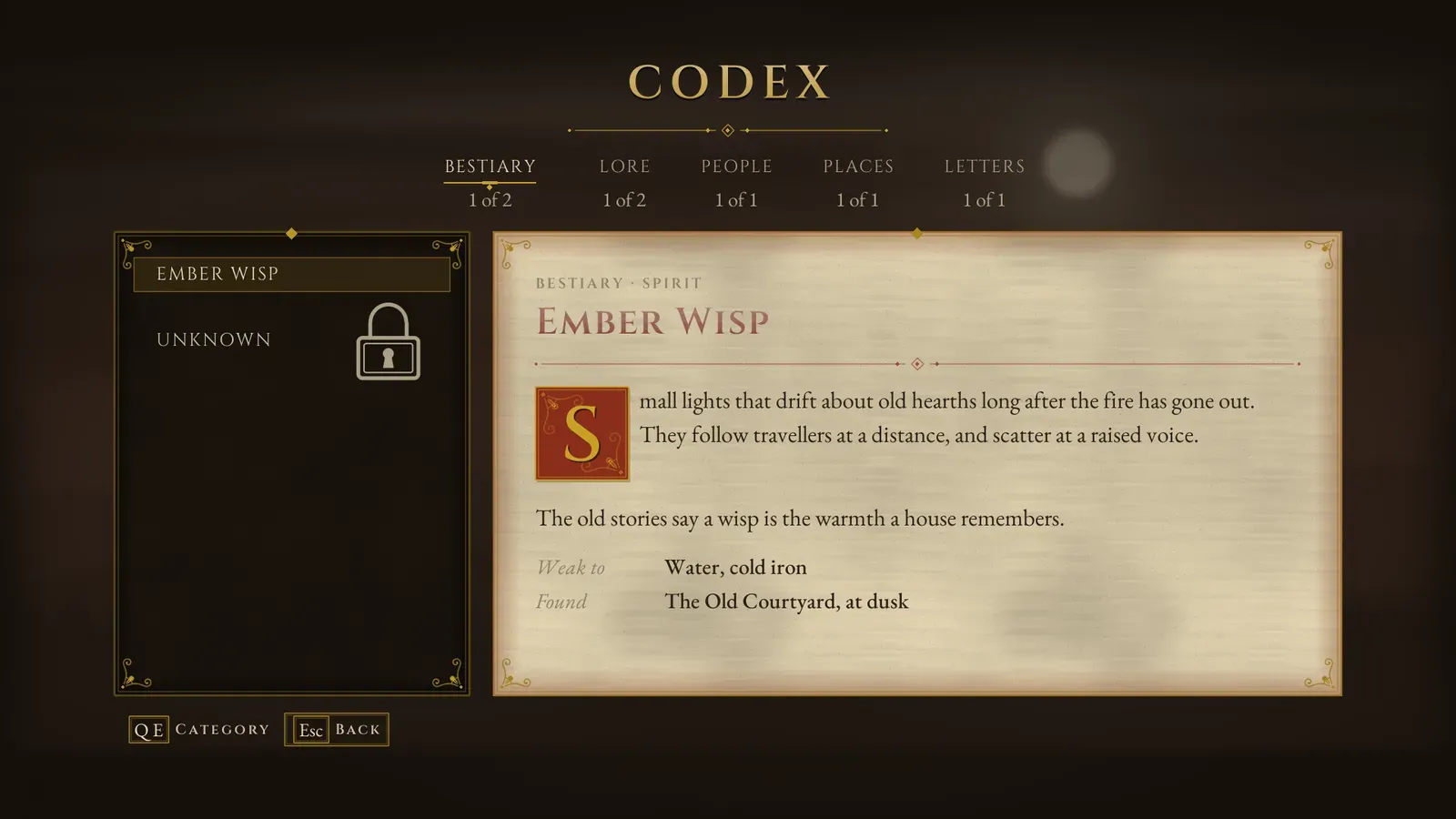
- Codex with categories, new-entry marks and a document reader for letters and notes. See Codex.
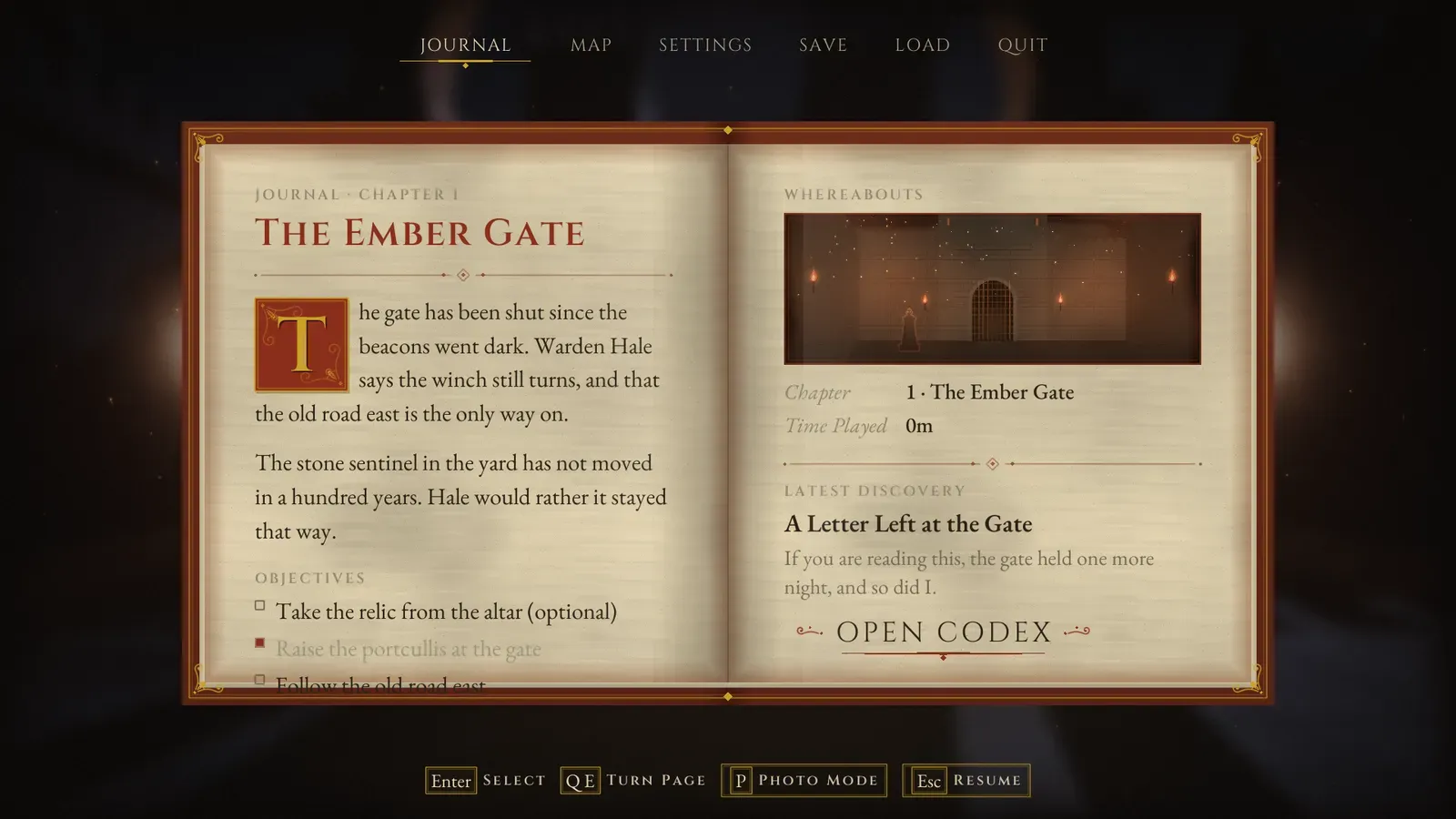
- Pause menu as an open tome with Journal, Map, Settings, Save, Load and Quit, or as a plain list. See Pause menu.
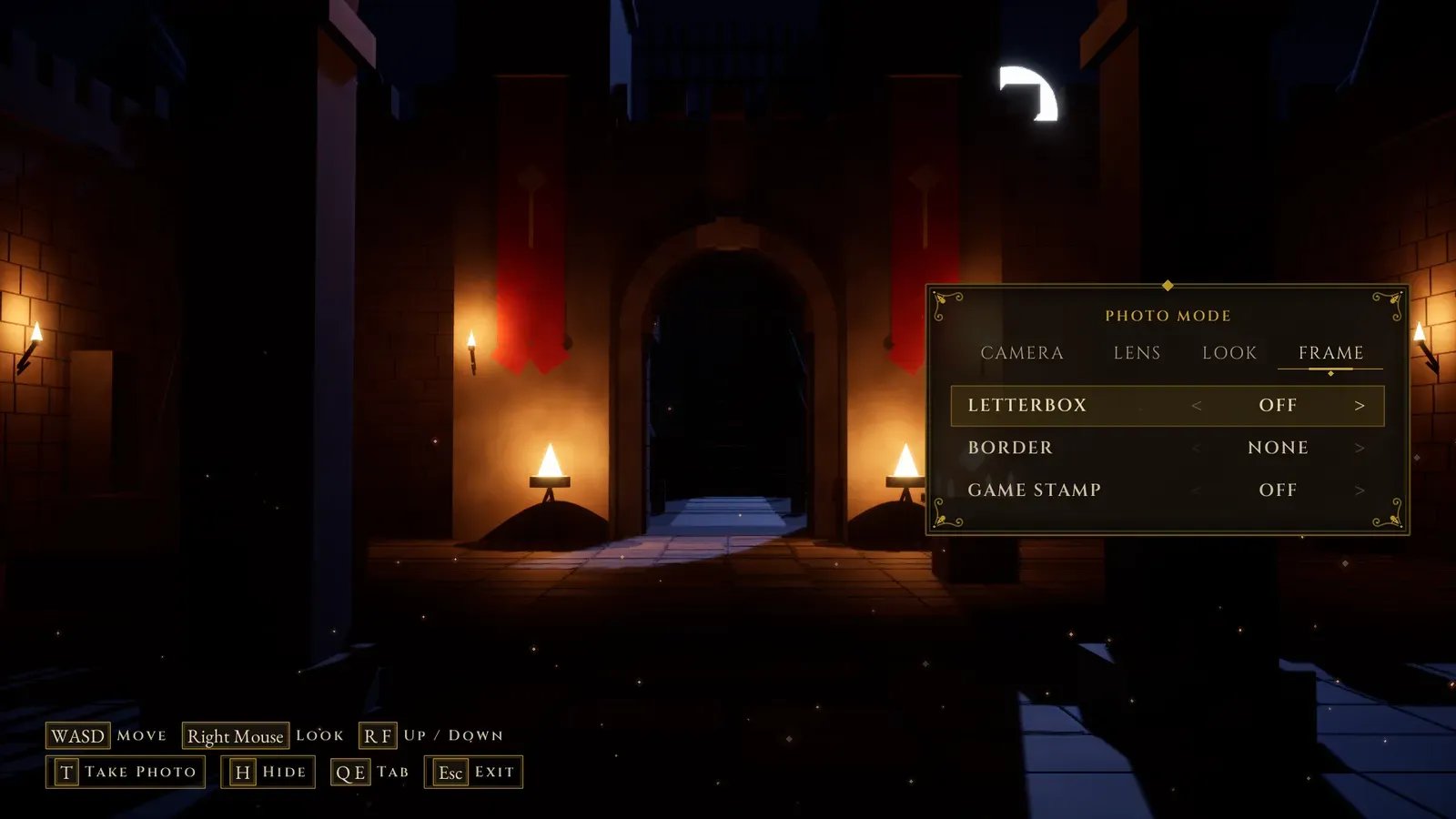
- Death screen, photo mode, a gallery with cinematics, a music room, first-run pages, credits on a parchment scroll, confirmation dialogs and loading screens that picture the place being loaded. See Extras and Loading screen.
The HUD
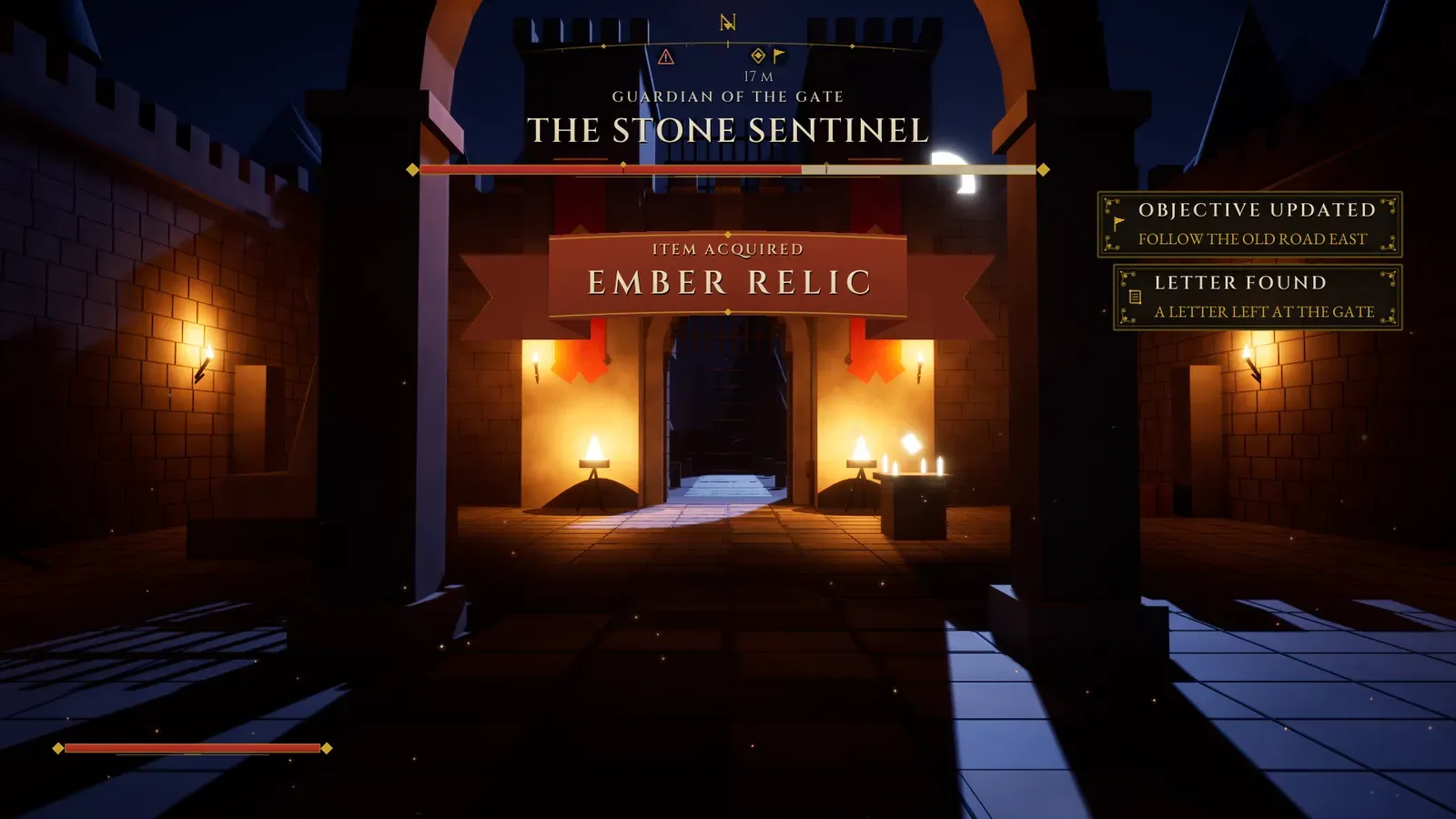
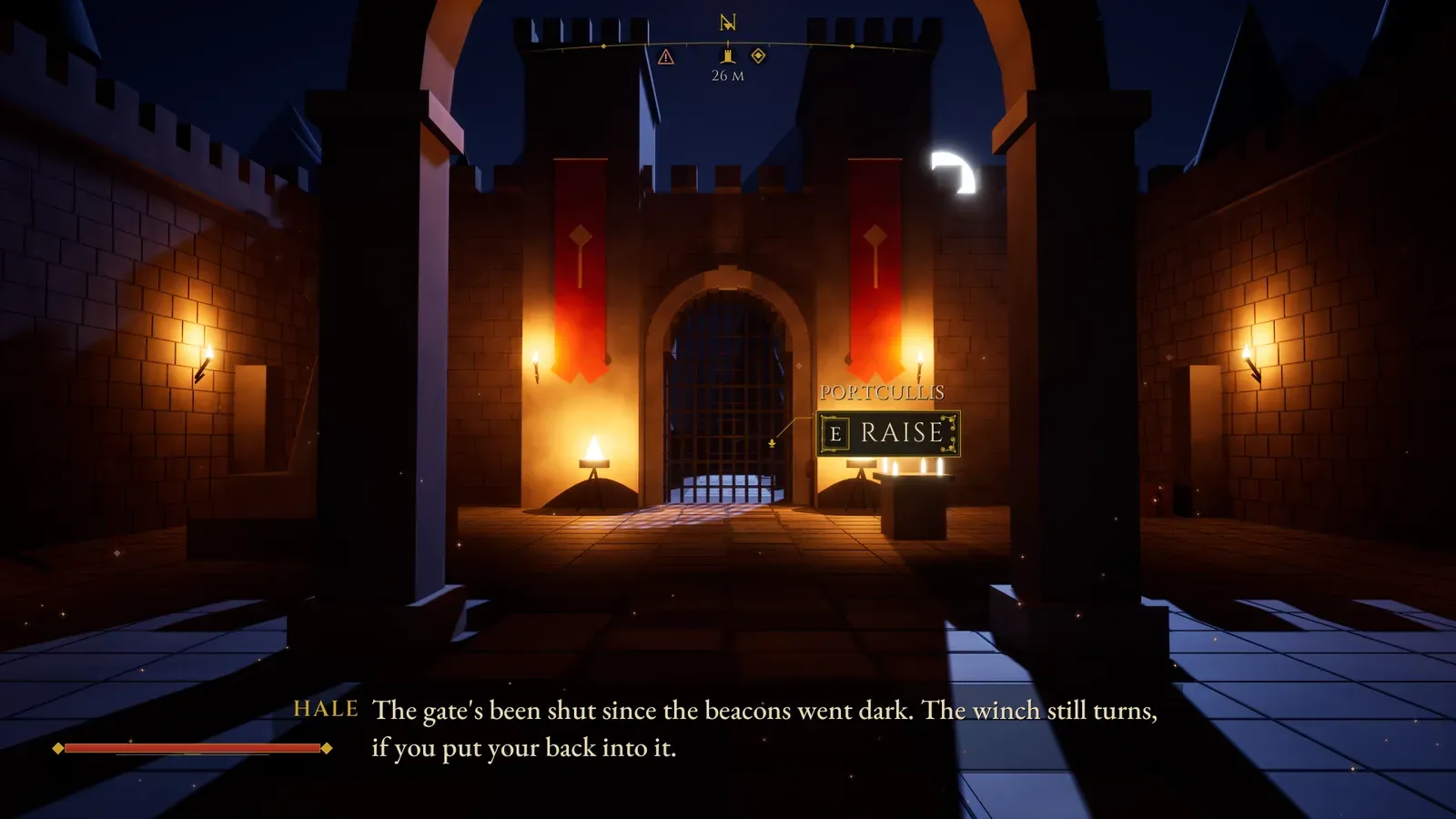
- Interaction prompts, subtitles, notifications, banners, a boss health bar, player health and stamina, a compass, chapter title cards and a saving indicator.
- Three drop-in volumes, with no Blueprint needed: an interaction volume, a subtitle trigger and a checkpoint volume. See HUD.
Settings that apply and save
Video, graphics, audio, controls, gameplay and accessibility, with key rebinding for keyboard, mouse and gamepad. The player’s saved audio, accessibility and control settings are applied again when the game starts. Hide any built-in setting, or add your own toggles, option lists and sliders without code. See Settings.
One asset re-skins everything
Colours, fonts, sizes, frames, effects, the scene layers and the interface sounds live in one Theme asset, with five presets: Aurum, Frost, Verdant, Blood Moon and Ivory. The Cinzel and EB Garamond fonts and seven interface sounds are included. See Theme.
Your own designs
Adjust a generated screen from a Blueprint child, or replace a layout completely in UMG and keep its behaviour. See Your own layouts.
11 languages
English, German, Spanish, French, Italian, Japanese, Korean, Polish, Portuguese (Brazil), Russian and Simplified Chinese, including the plugin’s own text. See Localization.
What it is not
Section titled “What it is not”- Not a combat or inventory system. The boss bar, the vitals and the banners show what your game tells them.
- Not multiplayer. The menus and settings are local.
- No Widget Blueprint assets ship with it. Every screen, frame, icon, the crest, the world map, the open book and the castle vista are generated in C++, and you customise them with Blueprint children or your own UMG designs.
- The demo’s courtyard level is not included. The plugin ships a smaller example, a torch-lit castle lane.
Next steps
Section titled “Next steps”- Quick start: try the example, then set it up in your own project.
- Configuration: the Project Settings page and the Menu Config asset.
- Menu entries and actions: the main menu, what each entry holds and what it can do.