Horizon input
| Device | Controls |
|---|---|
| Mouse | Hover moves focus, so exactly one item is highlighted at a time. Click to select. |
| Keyboard | Arrows navigate, Enter or Space select, Escape goes back, Left and Right change values, Q and E switch settings tabs. |
| Gamepad | D-pad or left stick navigate, A selects, B goes back, LB and RB switch tabs, Y applies settings, Start opens and closes the pause menu. |
- Footer hints switch between keyboard and gamepad labels as the player changes device.
- Gamepad button names follow Menu Config > Gamepad Labels: Auto (from the controller in use, with Xbox names when it is unknown), Xbox, PlayStation or Nintendo.
- No CommonUI input data asset is needed. The plugin handles navigation and Back itself.
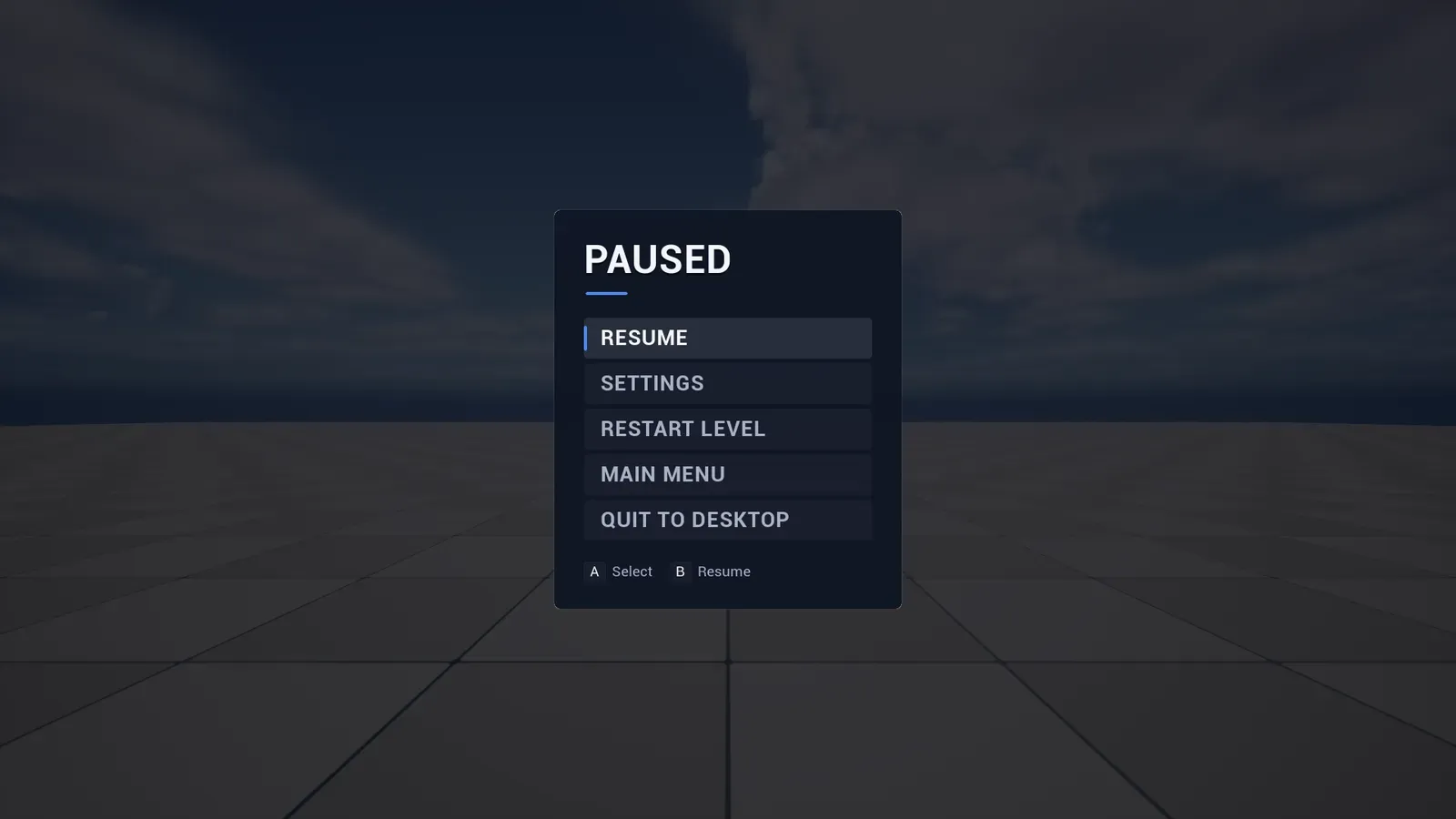
The same pause menu after the player picks up a controller. The footer hints follow the device.
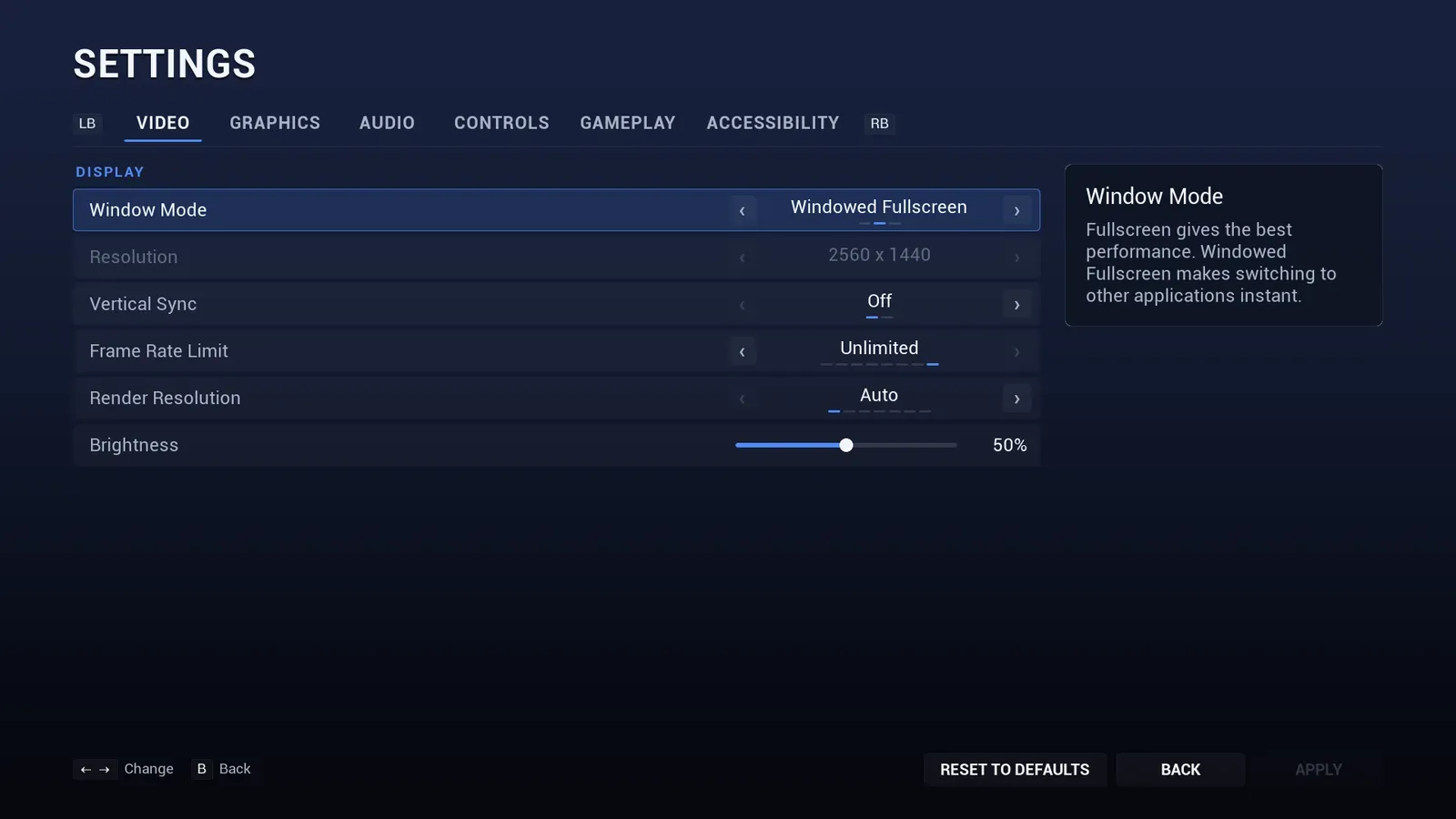
On the settings screen the hints cover changing a value, switching tabs and applying.