Horizon localization
All of the plugin’s own text (menus, settings, descriptions, dialogs, key prompts and controller button names) ships in English, German, Spanish, French, Italian, Japanese, Korean, Polish, Portuguese (Brazil), Russian and Simplified Chinese, and follows the game’s current culture, including number formats such as “50 %” in German.
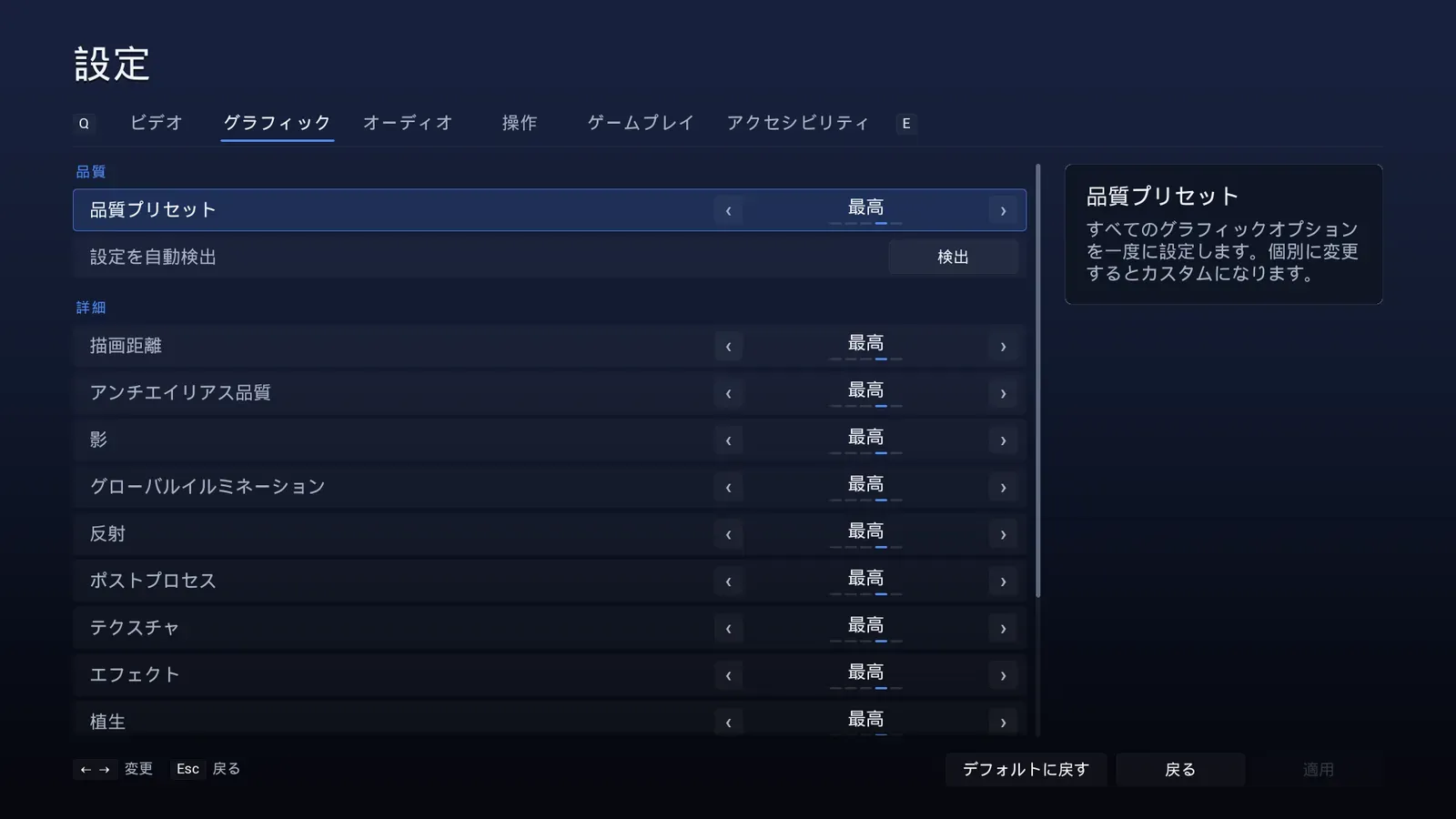
Japanese. The plugin’s own text is translated, including the description panel.
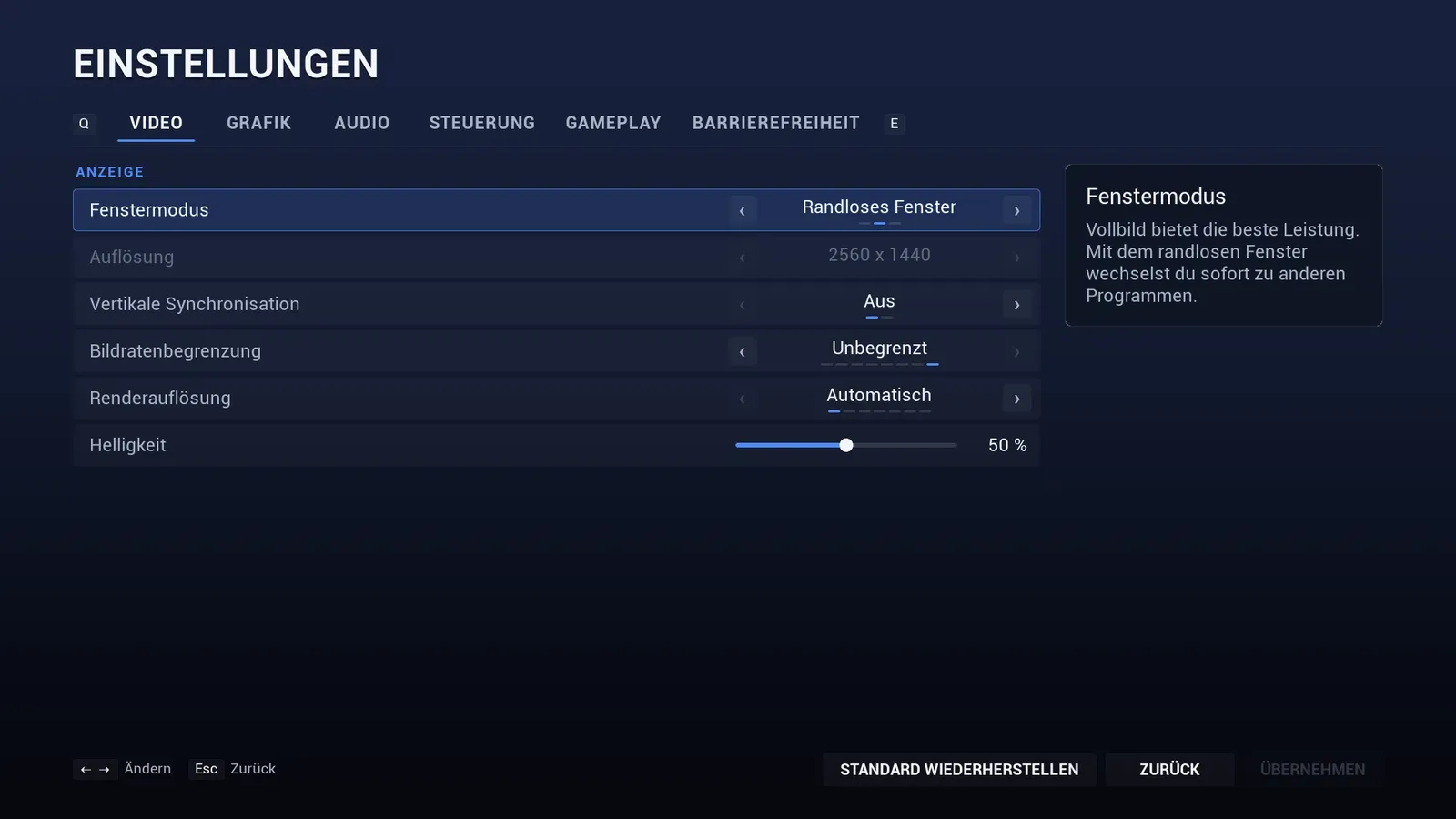
German, with the number format that language uses.
The Language setting
Section titled “The Language setting”- It appears on the Gameplay tab when two or more languages are available.
- Set the list in Menu Config > Languages with culture codes such as
en,de,pt-BRorzh-Hans. Leave it empty to offer every language your project is localized into. - The choice applies at once, including open screens, and is saved with the other settings.
- A
-culture=command line argument still wins.
Your own text
Section titled “Your own text”Your game title, menu entries, credits, tips and custom settings live in your Menu Config asset or class, so they are gathered and translated with the rest of your project in the Localization Dashboard.
More languages, or edits
Section titled “More languages, or edits”The translations are standard .po files in Content/Localization/AssetproMenuSystem/<culture>/. Edit them, or add a culture to Config/Localization/AssetproMenuSystem.ini, then rebuild the text:
UnrealEditor-Cmd.exe <Project>.uproject -run=GatherText -config="<Plugin>/Config/Localization/AssetproMenuSystem.ini"The default Roboto font covers Latin, Cyrillic and CJK text. If you use your own font for Japanese, Korean or Chinese, set it in the Theme or give your composite font a fallback for those scripts.
Packaging
Section titled “Packaging”A packaged game only contains English by default. Add the languages you ship to Project Settings > Packaging > Localizations to Package, and set Internationalization Support to a preset that covers them (All for the 11 languages above). Without that, the translations, native language names and number formats are left out.
The translations were written for games and reviewed for consistency. Have a native speaker check them before release, as you would for your own text.