Horizon theme
The Theme (AMSTheme) is the single source of truth for the look. Every widget reads from the active theme, so one asset re-skins every screen.
| Group | Properties |
|---|---|
| Palette | Background top and bottom (gradient), screen dim, panel, panel outline, accent, accent contrast, text primary / secondary / muted, danger, button normal / hovered / pressed / disabled, row normal / focused, slider track, separator |
| Fonts | Title, heading, subheading, body, button and caption fonts. Uppercase titles, uppercase buttons, title shadow colour and offset |
| Shape and size | Corner radius, outline width, accent bar width, screen padding, main menu alignment, menu button width / height / spacing, button padding, secondary button height, pause menu width, dialog width, setting row height, settings description width |
| Background | Use a background brush instead of the gradient, background brush, main menu background opacity |
| Motion | Screen fade in time, screen slide offset, hover transition speed, credits scroll speed |
| Sounds | Hover, click, back, screen open, tab and change sounds |
| Presets | Preset To Apply (Midnight, Tactical, Ember, Arctic) and the Apply Selected Preset button |
The four presets
Section titled “The four presets”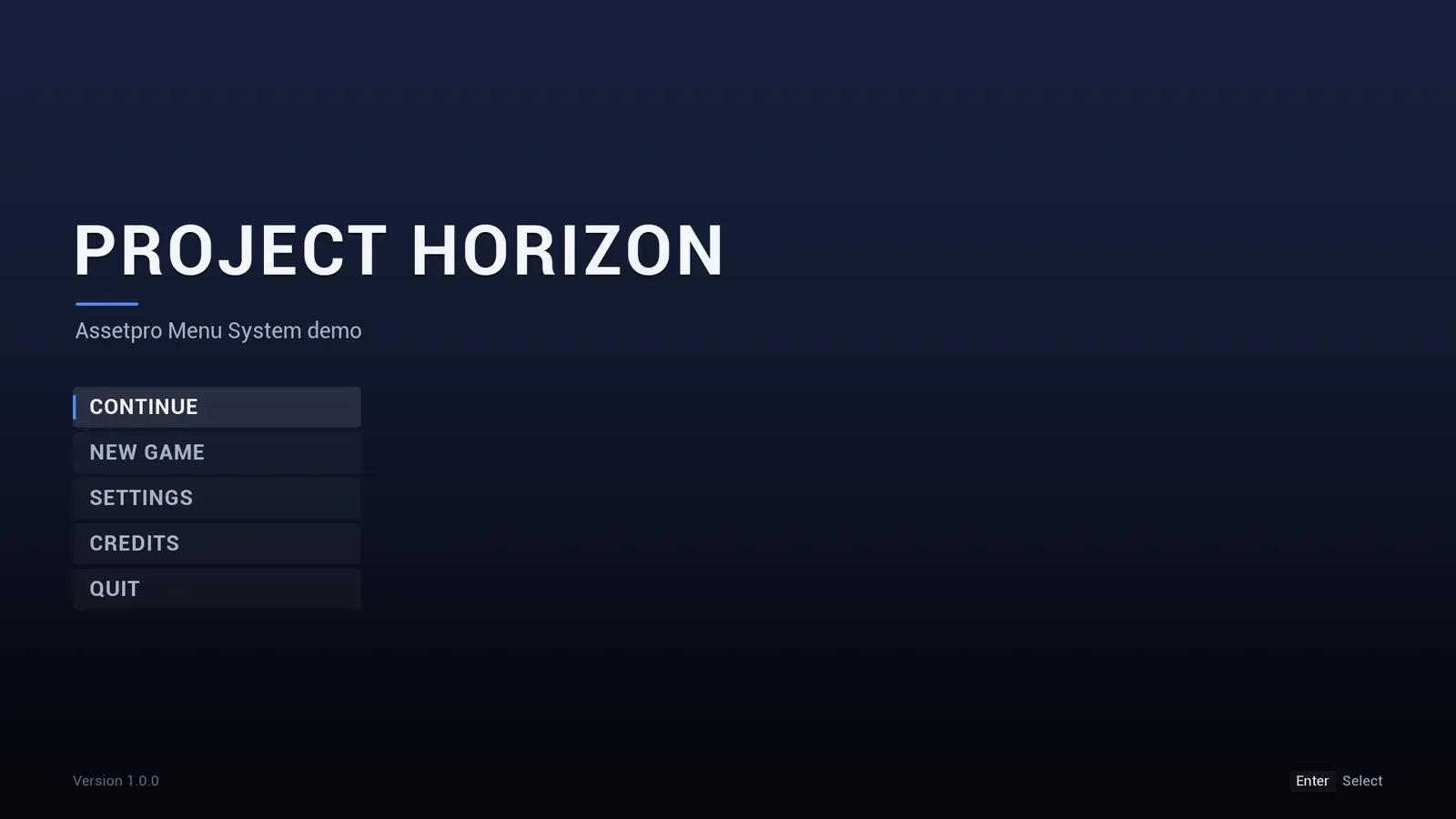
Midnight, the default.
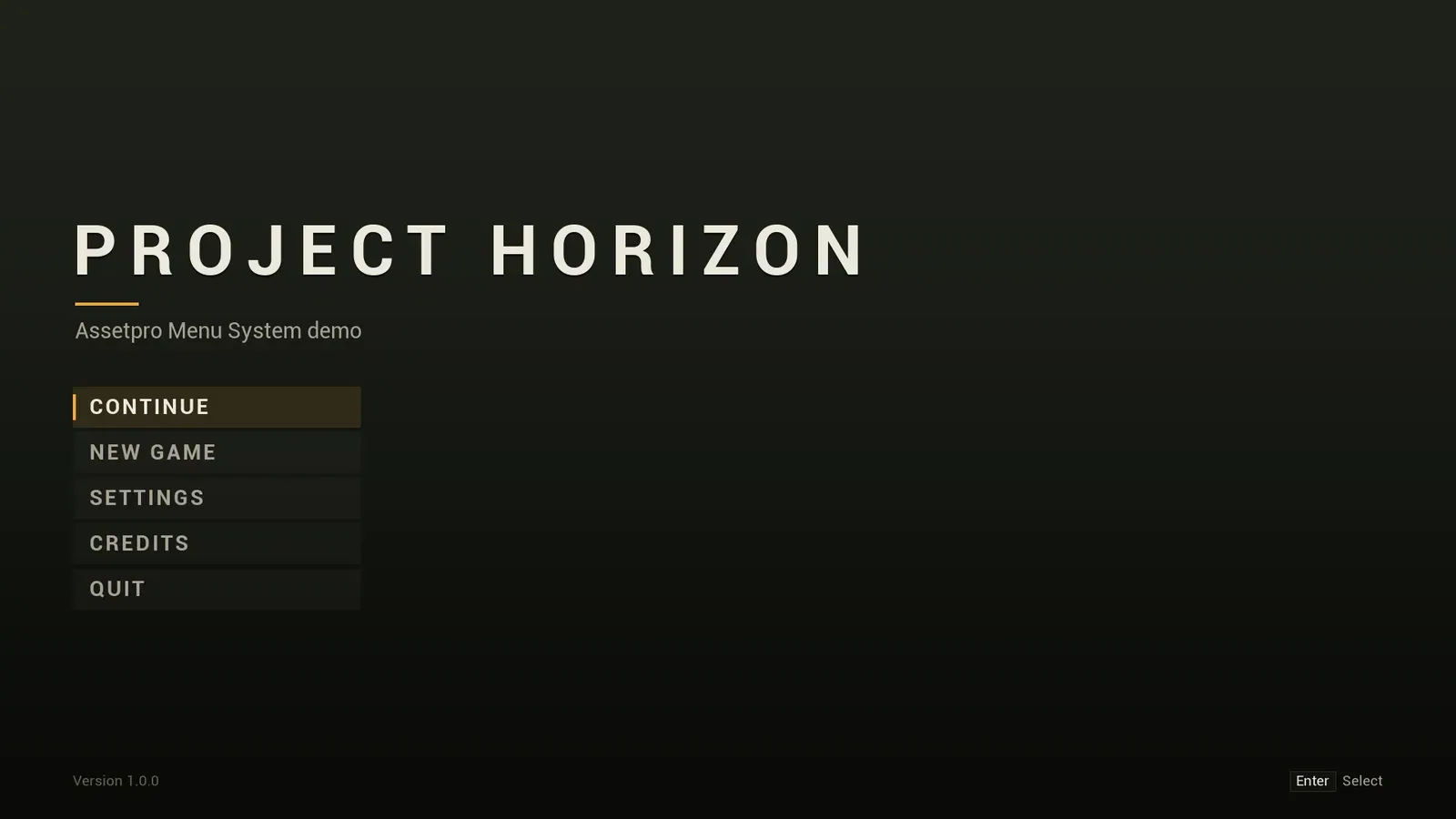
Tactical.
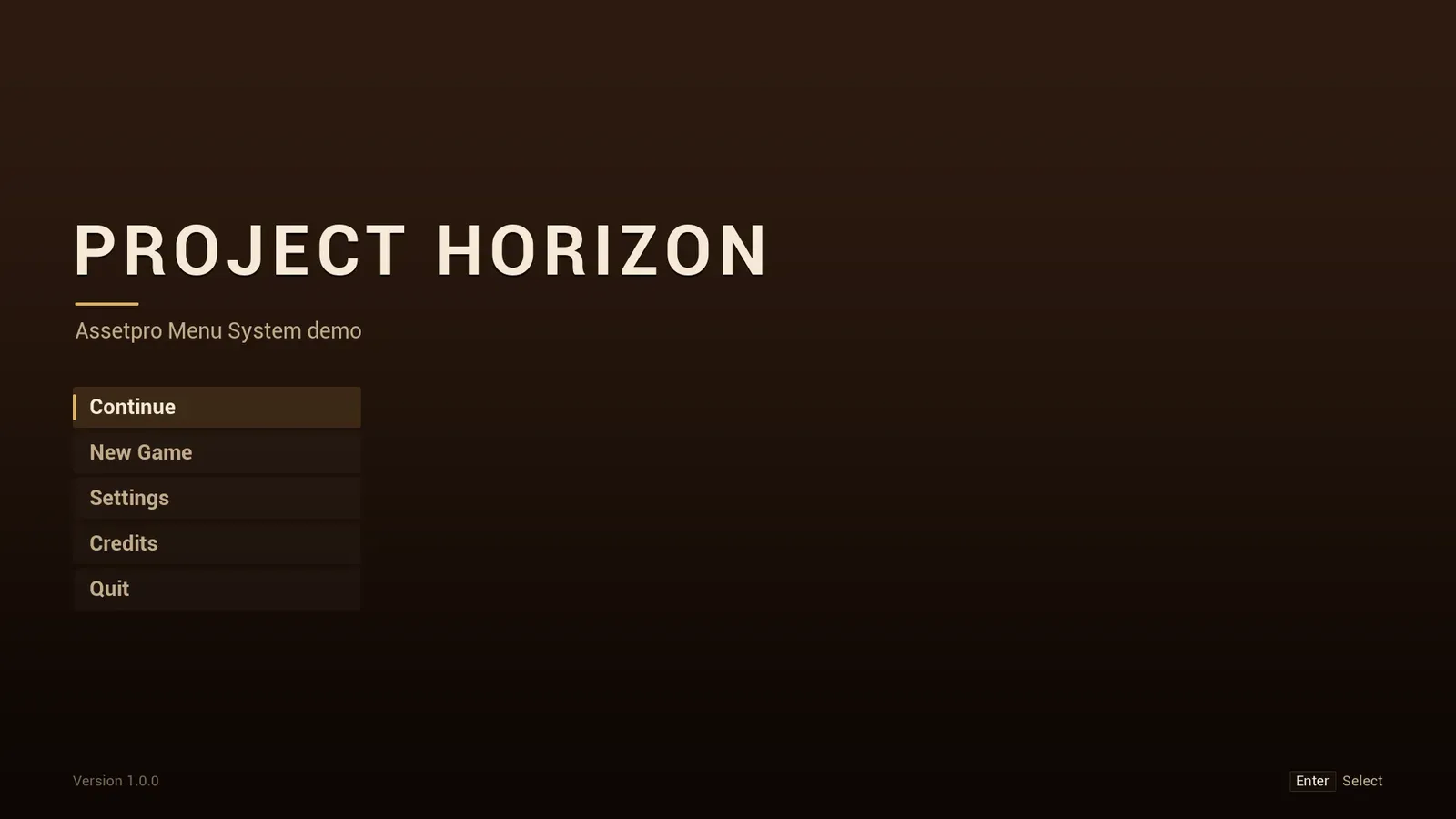
Ember.
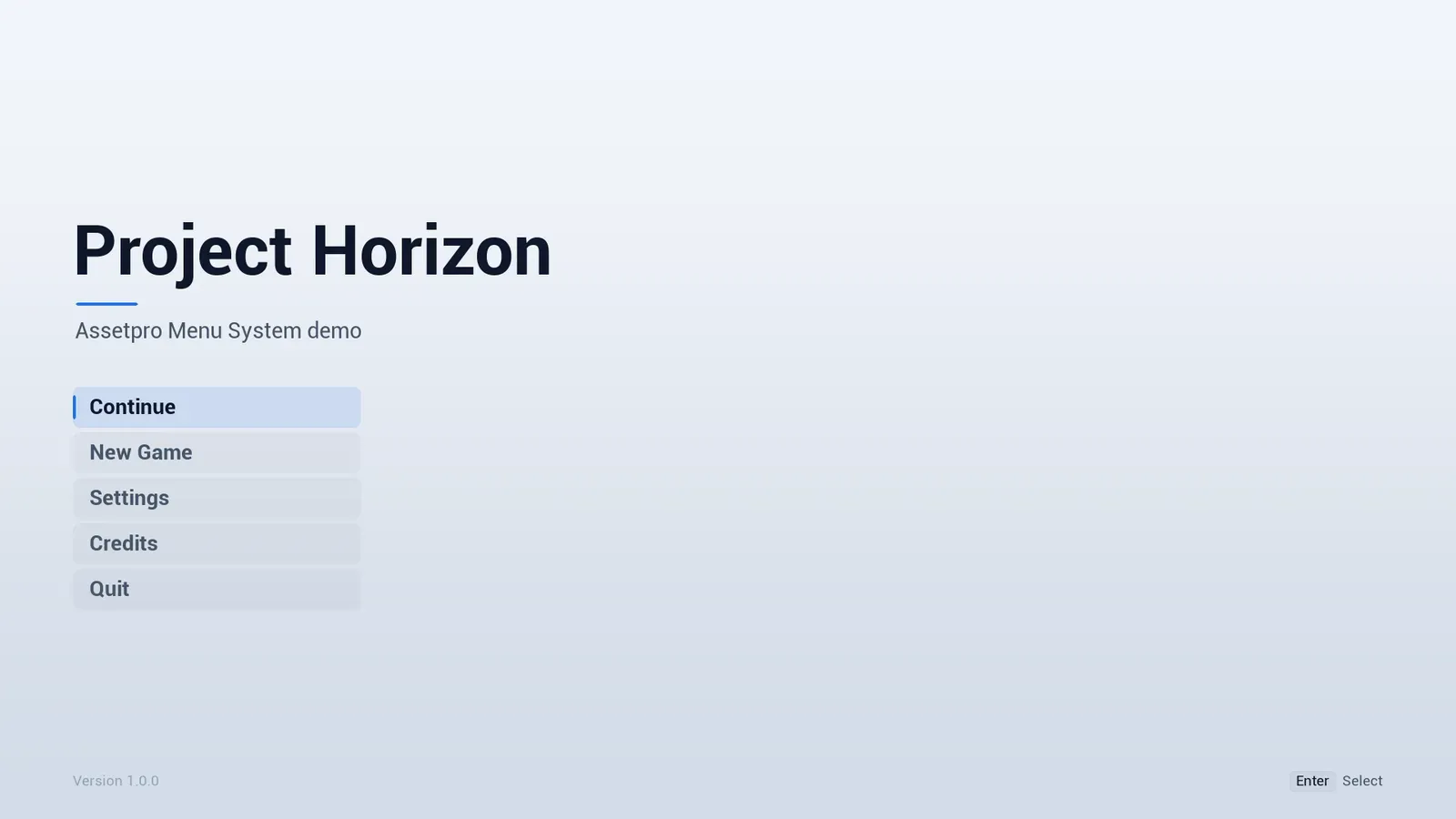
Arctic, the light one.
A preset restyles every screen, not just the main menu.
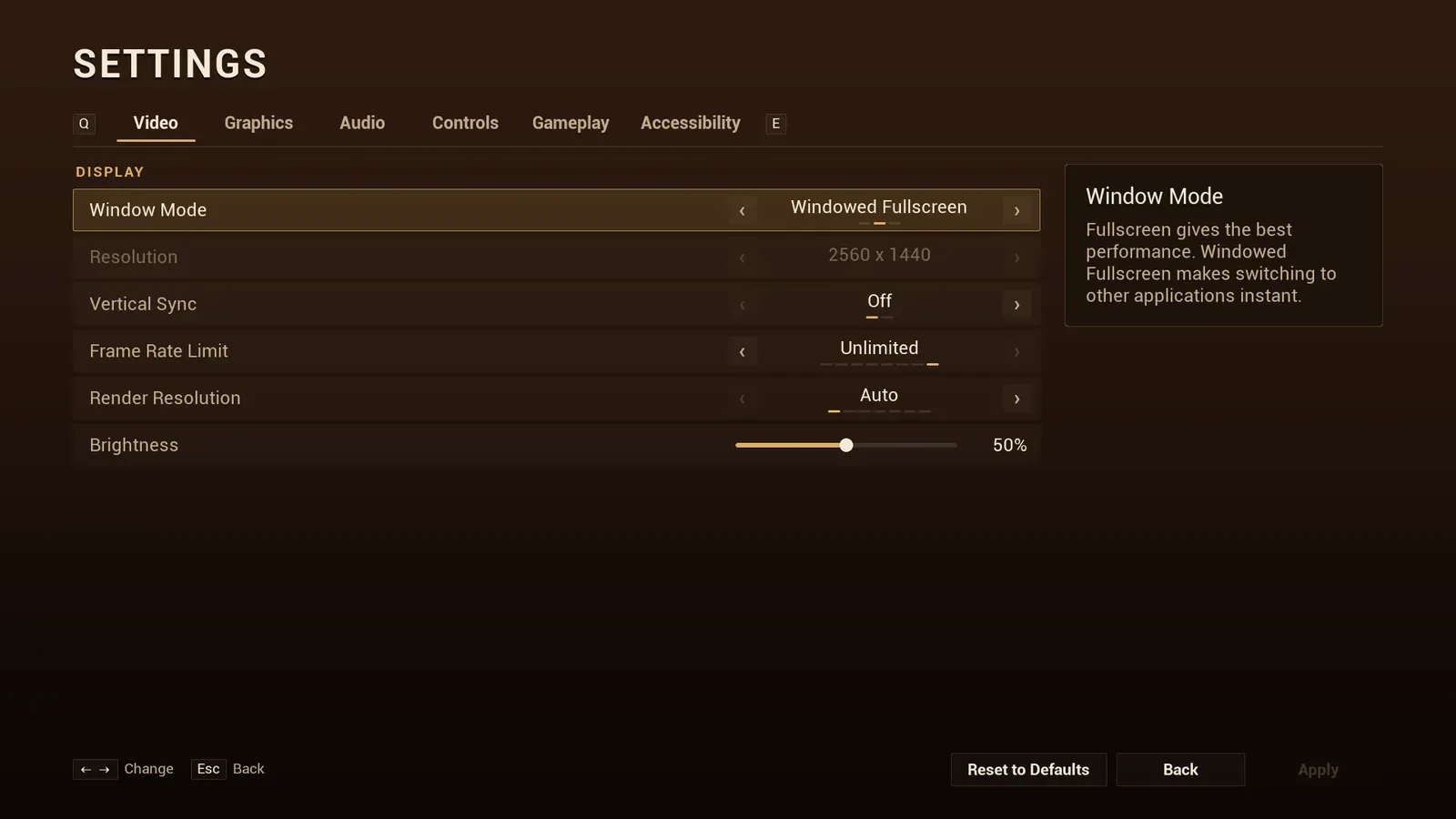
The settings screen follows the theme too. This is Ember.
Working with themes
Section titled “Working with themes”- Editing the theme while playing in the editor restyles open menus live.
- Set Runtime Theme swaps the theme in game, for example from a “UI style” option. Pass None to go back to the project setting.
- Set Main Menu Background Opacity below 1 to show your menu level, a 3D scene, behind the main menu.
- The default font is Roboto, which covers Latin, Cyrillic and CJK text.
Interface sounds
Section titled “Interface sounds”Six subtle interface sounds ship with the plugin, in Content/Sounds, and every theme sets them by default:
| Sound | When it plays |
|---|---|
| Hover | Focus moves to another item |
| Click | An item is picked |
| Back | The player goes back |
| Open | A screen or dialog opens |
| Tab | The settings tab changes |
| Change | A setting’s value changes |
- The sounds play at the Interface volume setting. If your own sounds use the Interface sound class from the Menu Config, the settings’ sound mix scales them instead.
- One action plays one sound: a click that opens a screen plays Click only, and focus that moves by itself, when a screen opens or a tab switches, plays no Hover.
- Call Play UI Sound to play a theme sound from your own widgets.
- Pick your own sounds in the theme, or clear a slot for silence.