
Aurum codex and letters
The codex (AFMCodexScreen, the Open Codex action or Open Codex (Category Id)) has a tab per Codex Category (Bestiary, Lore, People, Places and Letters by default), the category’s entries on a stone list with a count (“4 of 9”), and the focused entry as a parchment page: its title, a line in small capitals, the text with an illuminated initial, a picture with a caption and a few facts. Q / E or the bumpers change the category.
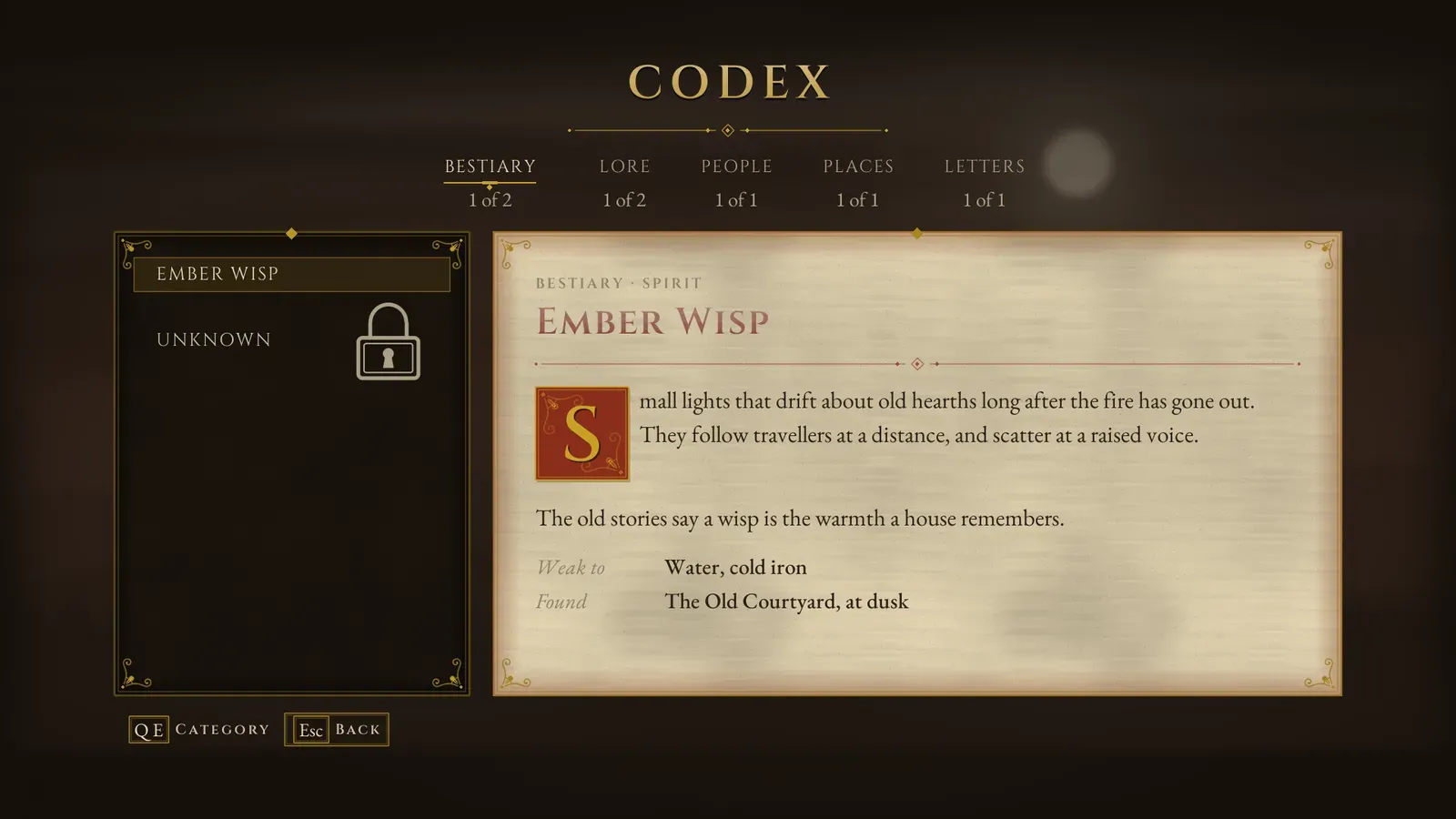
The codex. Entries the player has not found yet are listed as “Unknown” behind a padlock.
- New entries carry an ember mark until read. Locked entries are listed as “Unknown” behind a padlock, or not at all with Hidden Until Unlocked.
- Entries come from Menu Config > Codex Entries, then the rows of Codex Table (a Data Table of
AFMCodexEntryrows; the row name is the Id when Id is empty). - Unlock Codex Entry (Entry Id, Notify) on the AFM Codex Subsystem adds an entry; with Notify the HUD says “Codex Updated” (or “Letter Found”) with its title. What is unlocked and read is kept in each save; New Game starts afresh with the entries marked Unlocked By Default.
| Codex entry field | What it does |
|---|---|
| Id, Category | The entry’s Id (Unlock Codex Entry) and the Id of its category. |
| Title, Subtitle | The title and the small capitals under it. |
| Body | The text. Blank lines start new paragraphs; the first letter becomes an illuminated initial. |
| Image, Image Caption | A picture beside the text and an italic line under it. |
| Facts | Short Label / Value lines under the text (“Weak to: Water, frost”). |
| Unlocked By Default, Hidden Until Unlocked | Known from the start; not listed until unlocked. |
| Is Document, Document Style, Pages, Read Aloud | A found letter or note, below. |
Letters and notes
Section titled “Letters and notes”An entry with Is Document opens in the document reader (AFMDocumentReaderScreen) when read (Accept in the codex, or Open Document (Entry Id)). Document Style sets the paper: Parchment, a folded Letter with a wax seal, or a torn Note. Pages are turned one by one with a page-turn (Left / Right or the D-pad; empty Pages shows the Body as one page). T (gamepad X) switches to a plain transcript; R (gamepad Y) plays the entry’s Read Aloud sound and fires On Document Read Aloud, so you can play your own voice line instead.
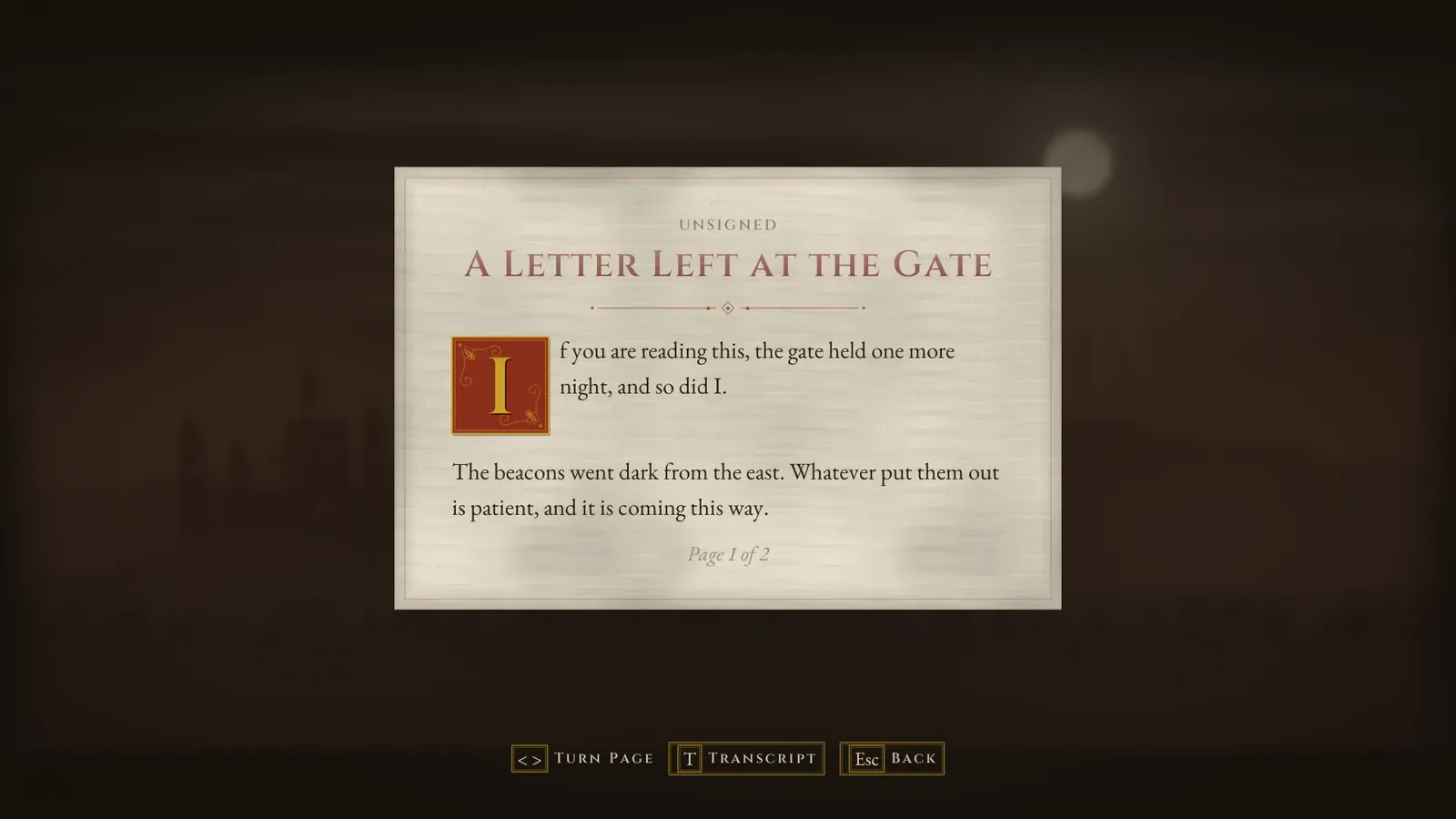
A document. The footer shows the keys for turning the page and for the plain transcript.
The journal
Section titled “The journal”Set Journal Quest (Heading, Text, Objectives) and Set Journal Objective Done (Index, Done) on the AFM Codex Subsystem fill the pause tome’s Journal page. Each objective has a Text, Done (ticked and struck through) and Optional (shown with “(optional)”). An empty heading shows the chapter’s name. The quest is kept in each save; New Game clears it.