Horizon
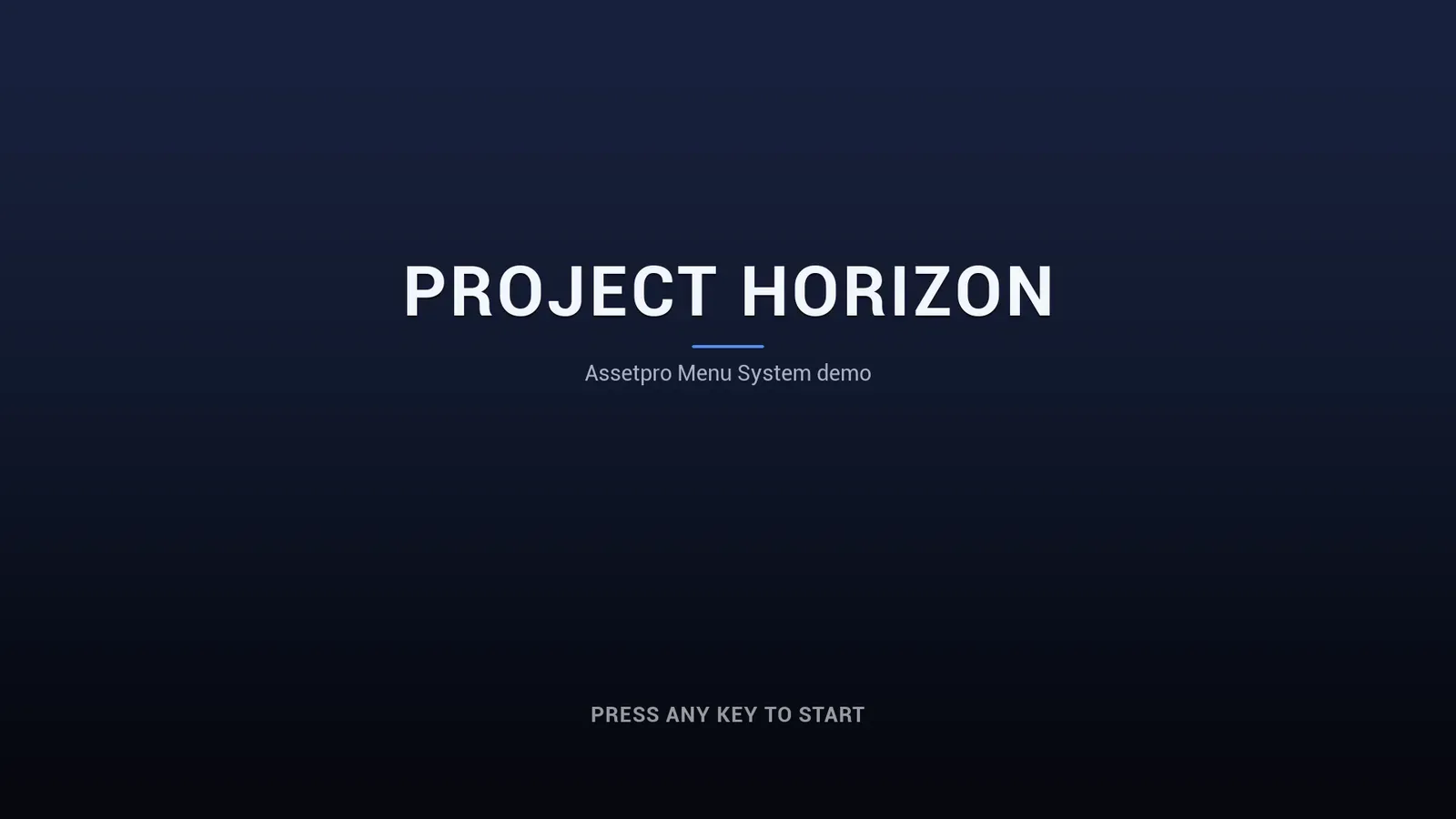
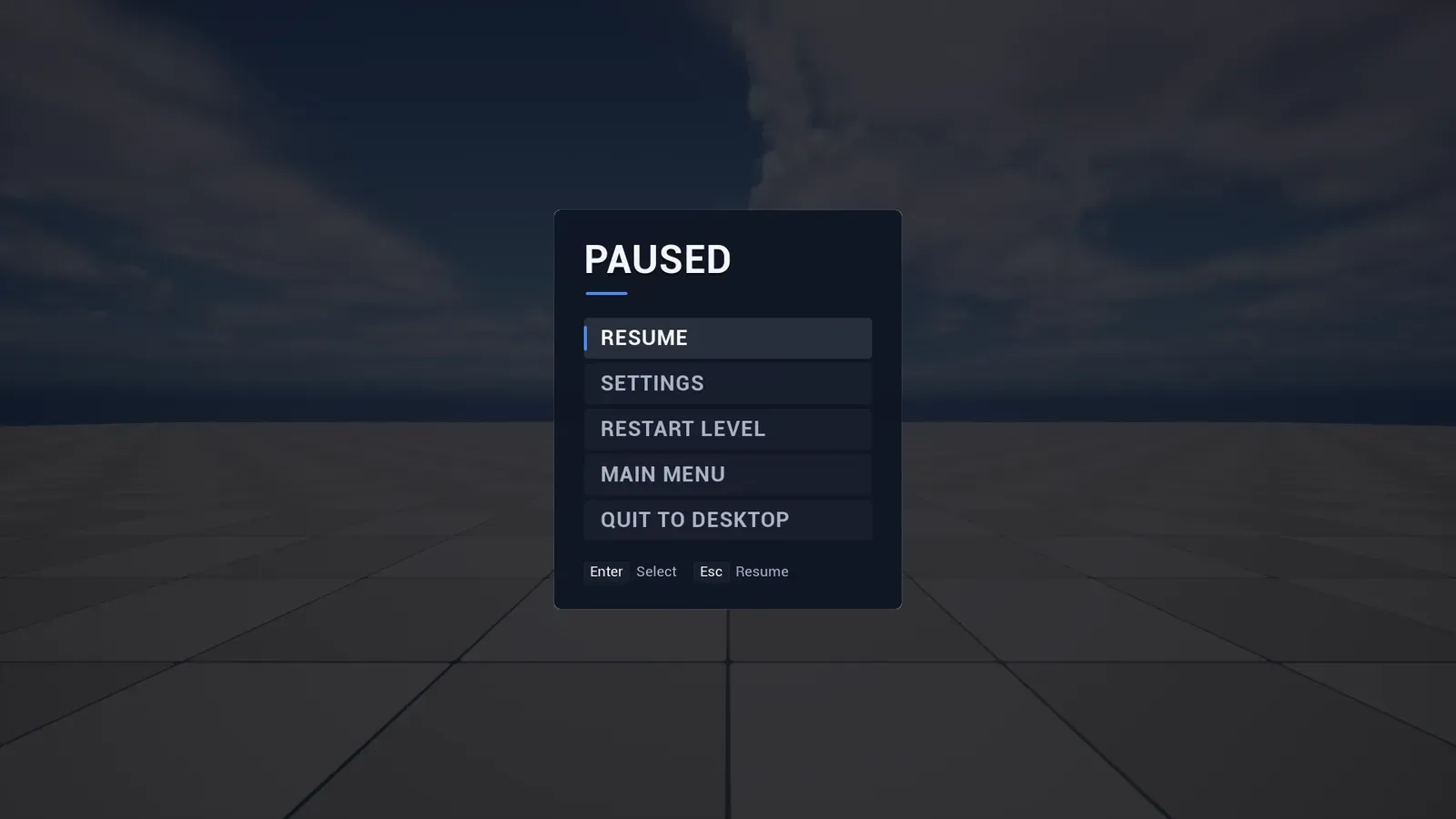
Horizon is the classic front end of the menu systems family, sold on Fab as Assetpro Menu System. It is a complete CommonUI menu system: a press start screen, a main menu, a pause menu, a full tabbed settings screen, credits, confirmation dialogs and a loading screen.
Every screen is generated in C++ from two data assets, so it works the moment the plugin is enabled, with mouse, keyboard and gamepad, and without any CommonUI input data to set up.
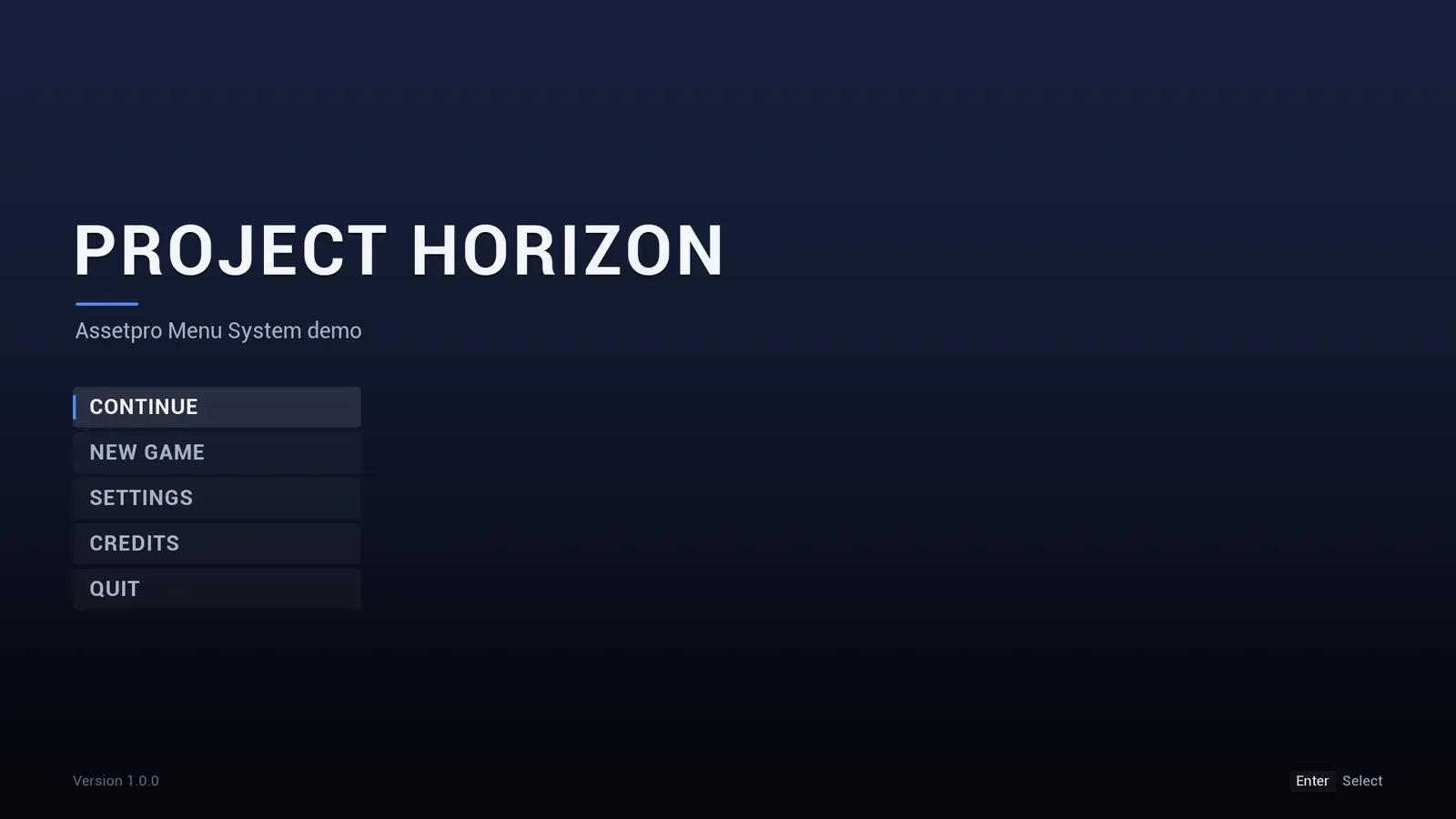
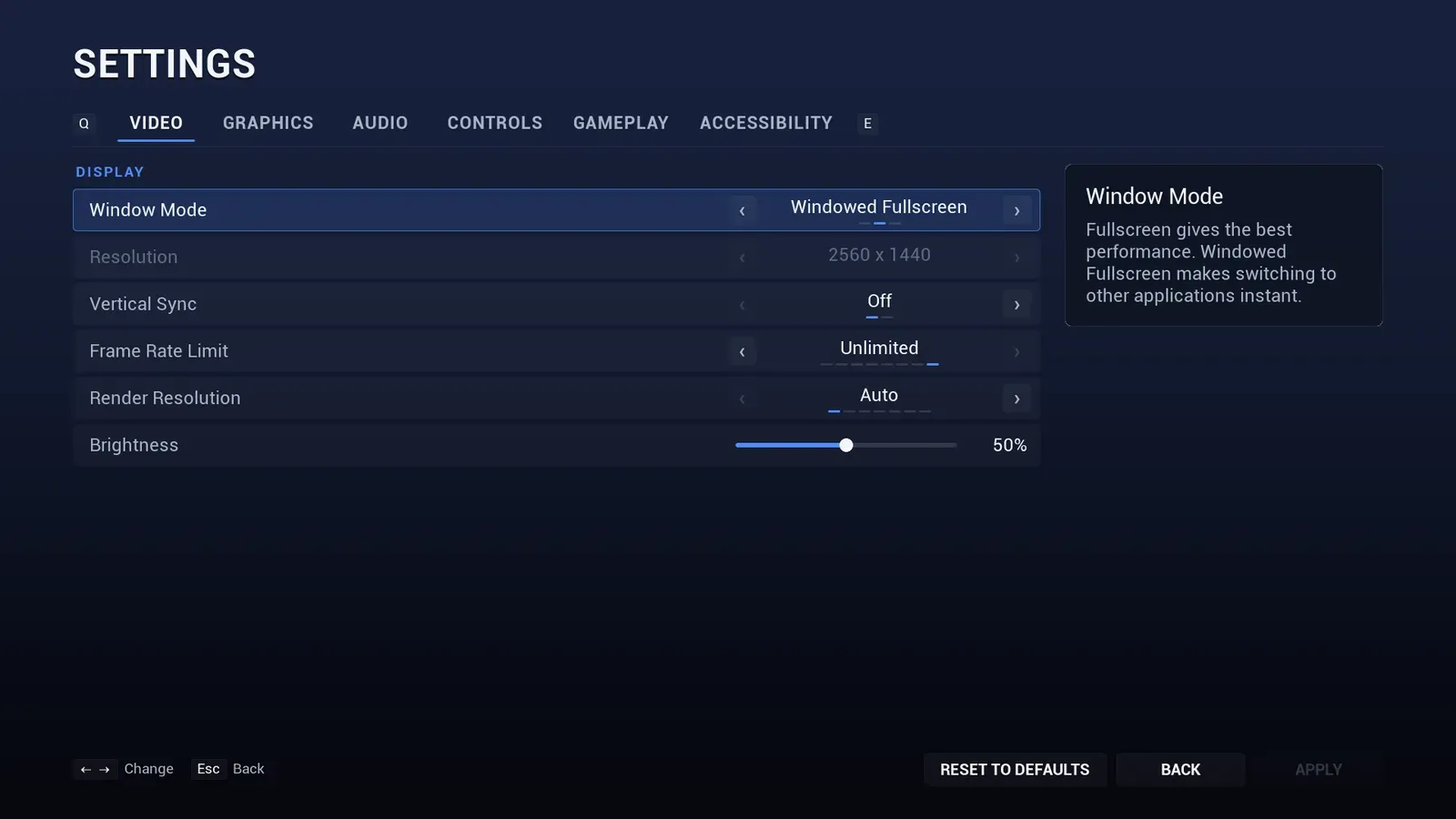
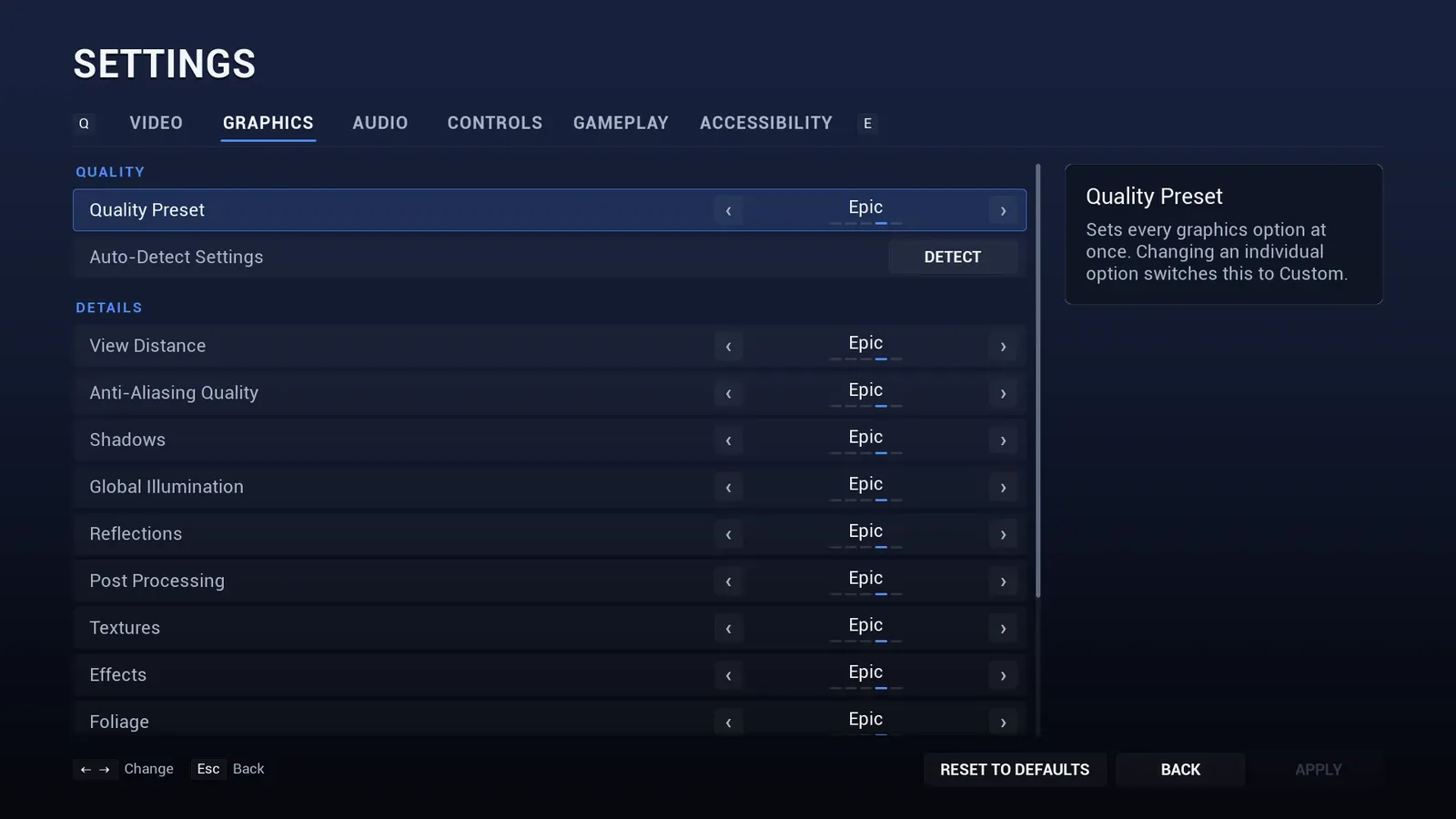
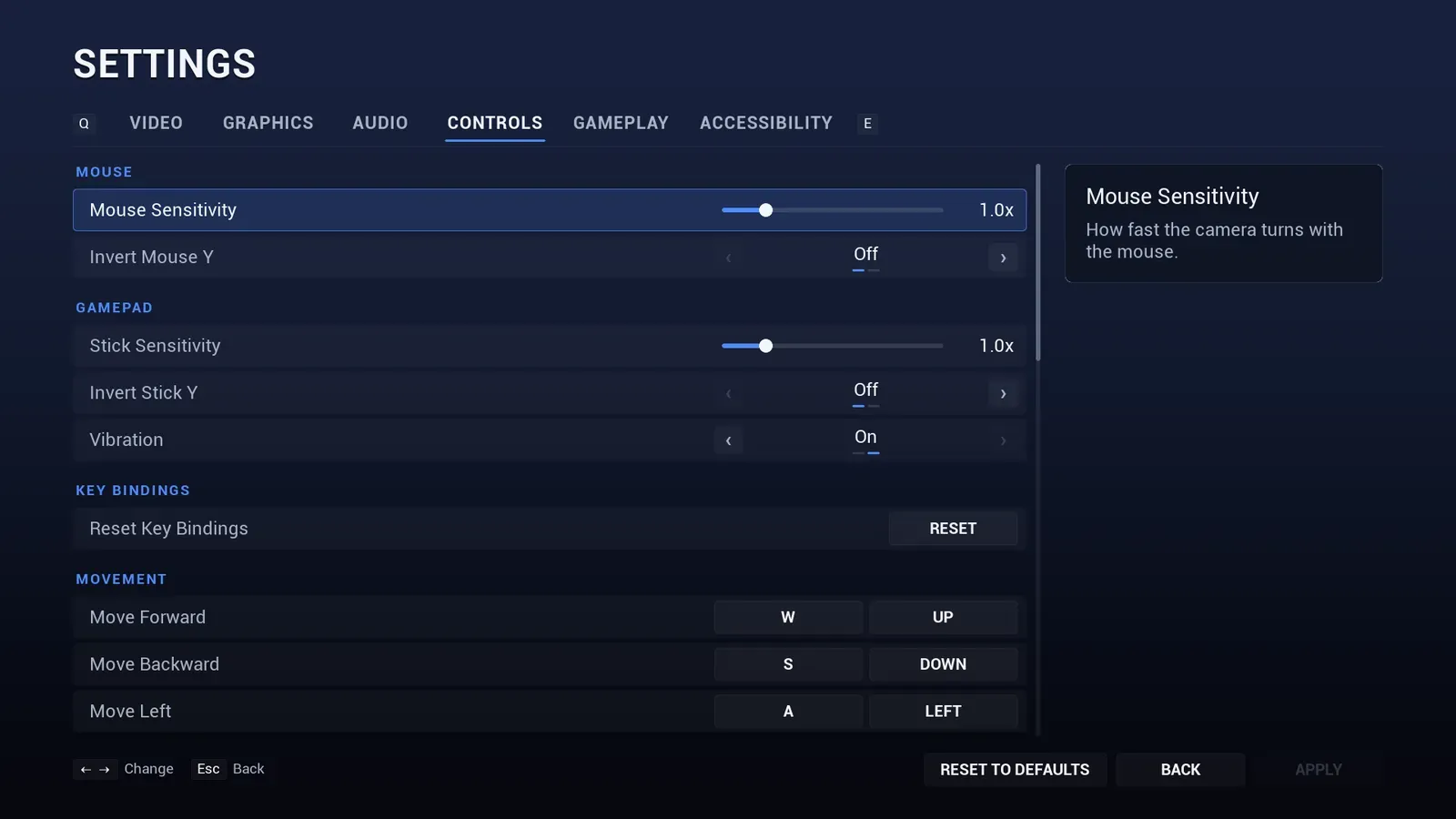
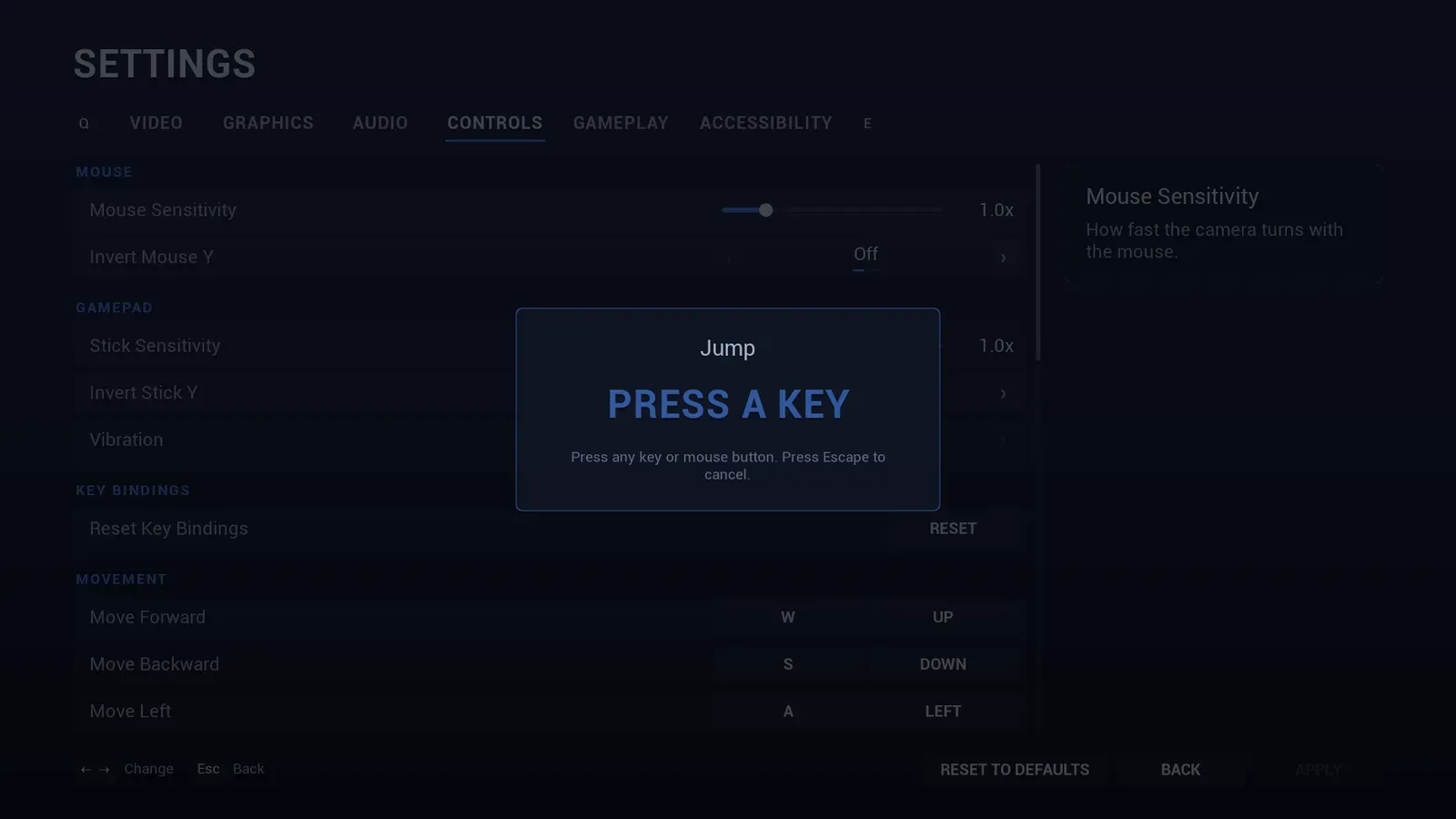
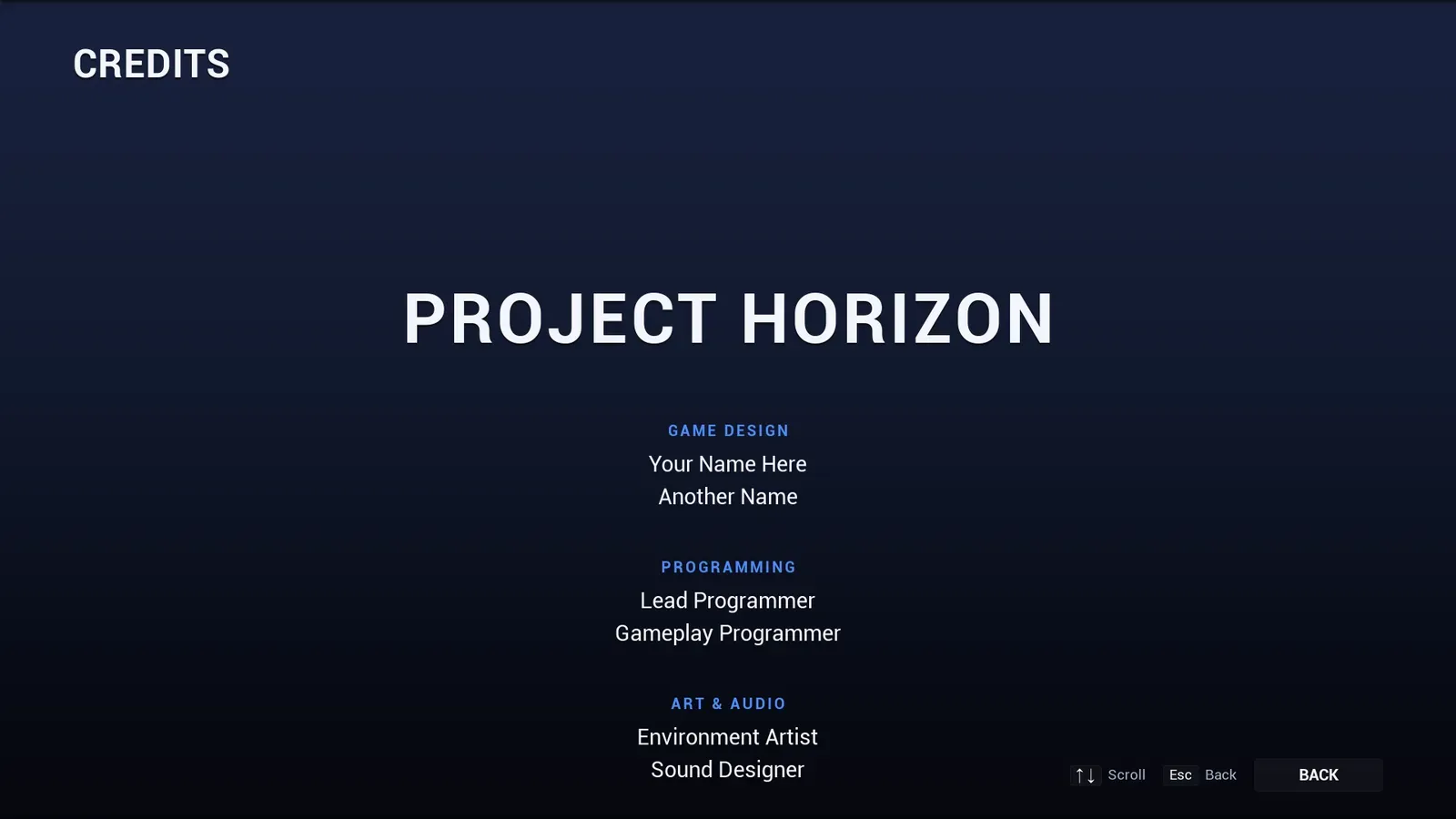
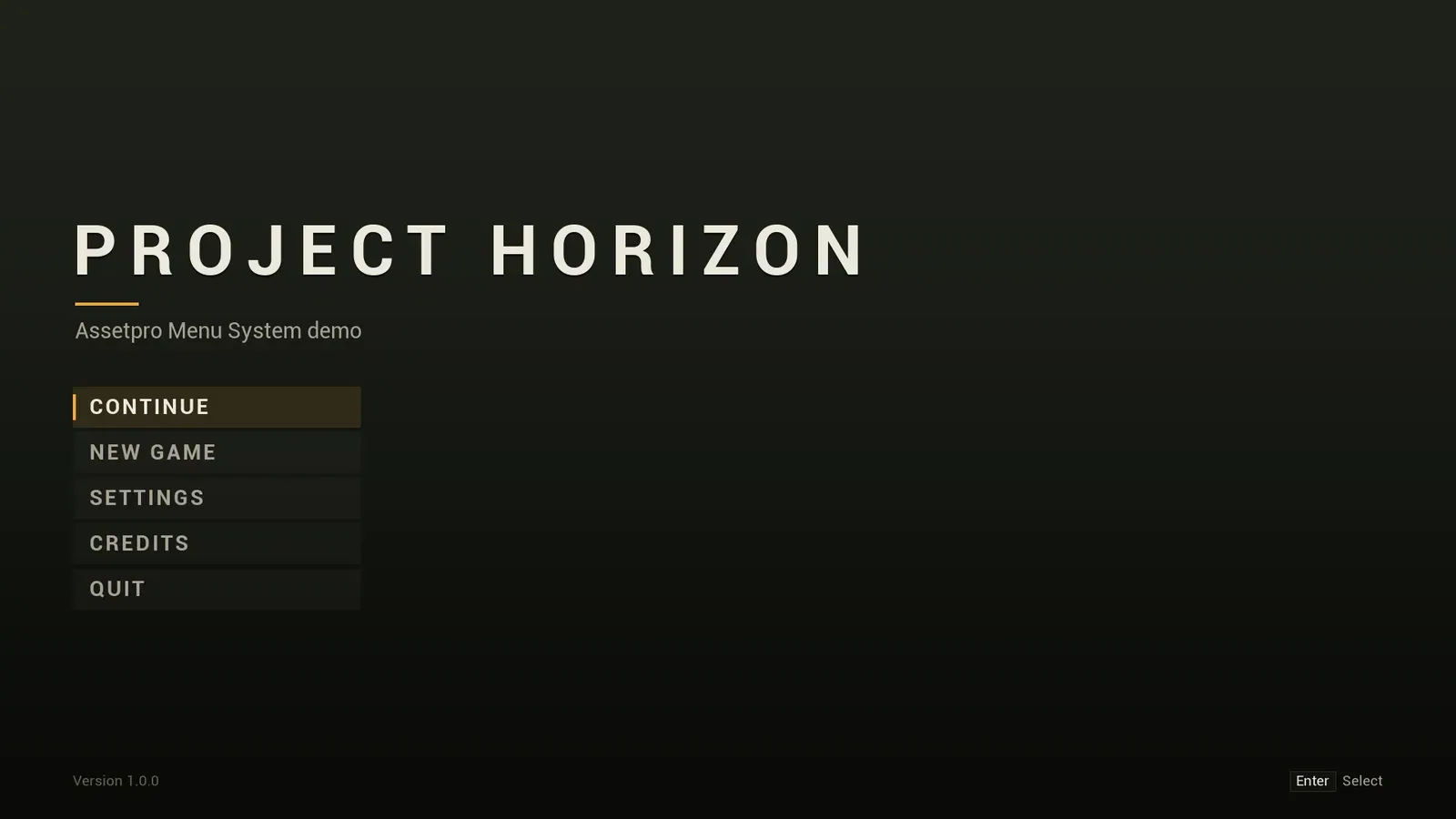
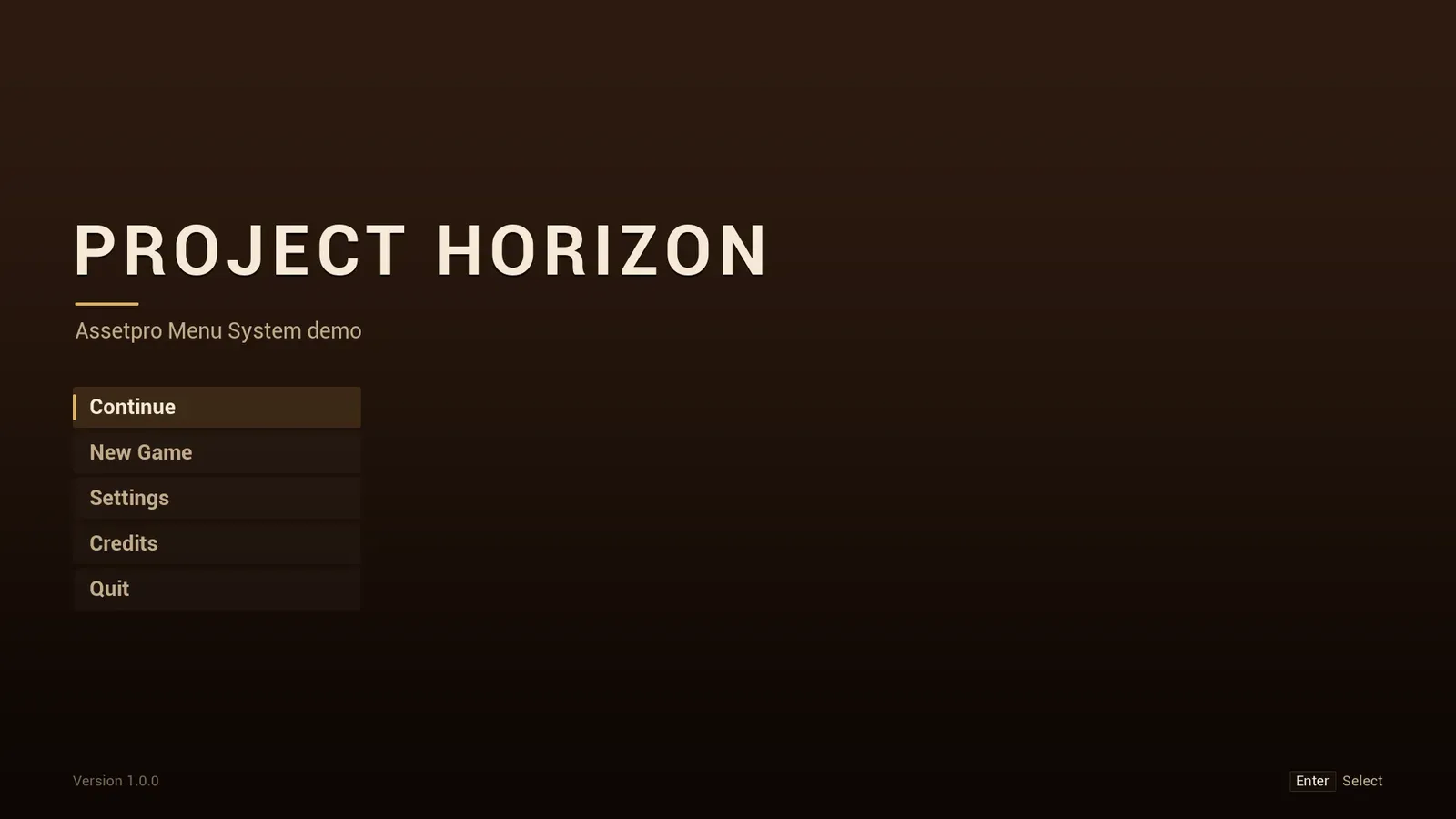
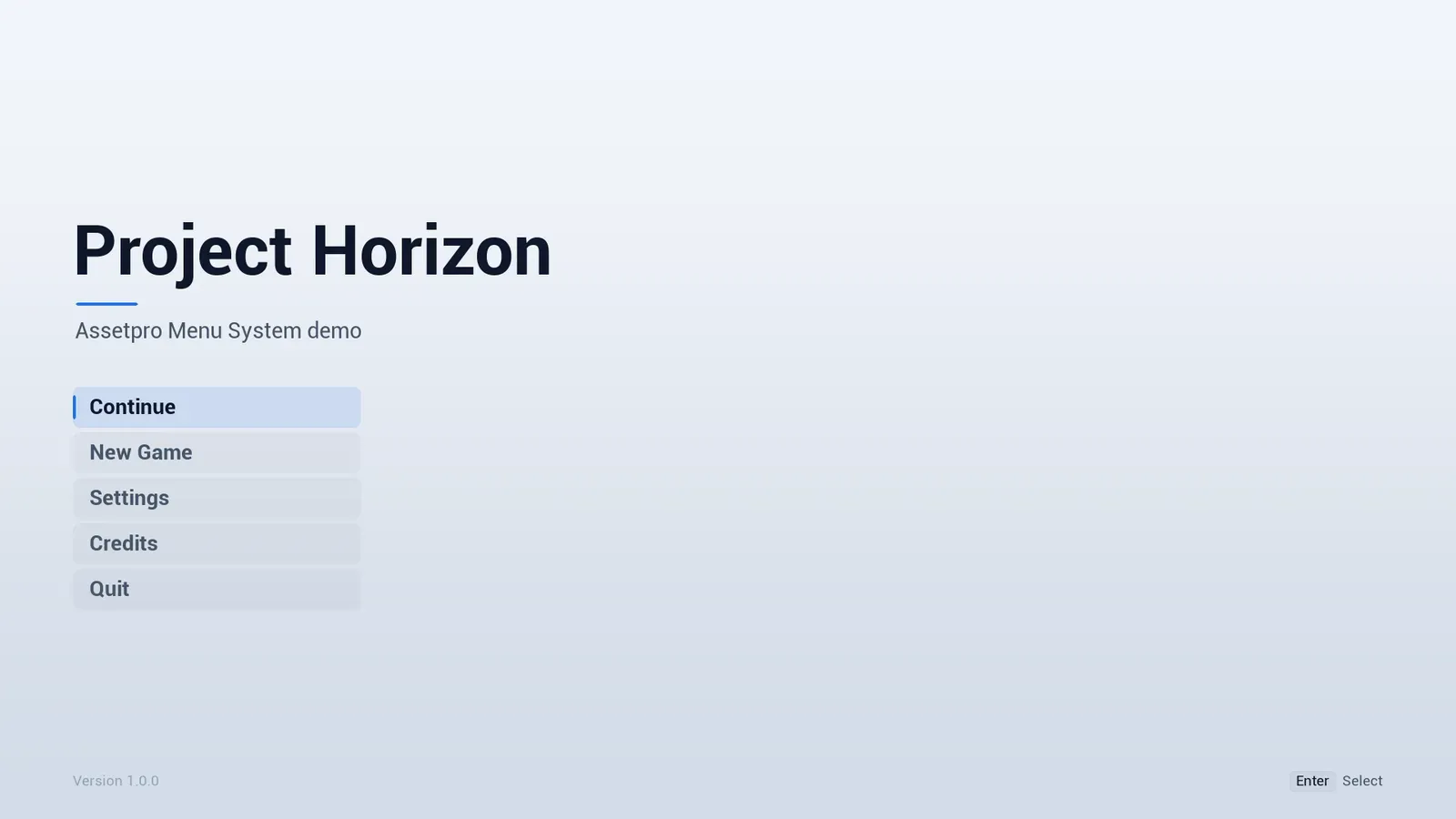

The Horizon main menu: the title PROJECT HORIZON over a dark blue background, with Continue, New Game, Settings, Credits and Quit.
- Current version
- 1.0.2
- Unreal Engine
- 5.4 - 5.8
The demo video
Section titled “The demo video”What you get
Section titled “What you get”The screens
- Main menu with your title or logo, a subtitle, version text and your own entries.
- Continue that stays greyed out until a save exists, then enables itself.
- Pause menu with Resume, Settings, Restart, Main Menu and Quit. It pauses the game while open.
- Tabbed settings screen with a description panel for the focused setting.
- Auto-scrolling credits built from headings and names.
- Confirmation dialogs with one, two or three buttons and an optional countdown.
- An optional press start screen, and a themed loading screen with a random tip.
Settings that apply and save
Video, graphics, audio, controls, gameplay and accessibility, all saved to GameUserSettings.ini and restored on the next launch. Hide any built-in setting or tab, and add your own toggles, option lists and sliders without code. See Settings.
Key rebinding
Primary and secondary keyboard and mouse slots per action, plus a separate gamepad section, built on Enhanced Input player mappable keys. See Key rebinding.
One asset re-skins everything
Colours, fonts, sizes, spacing, animation speeds and interface sounds live in one Theme asset, with four presets: Midnight, Tactical, Ember and Arctic. See Theme.
Your own designs
Adjust a generated screen from a Blueprint child, or replace a layout completely in UMG and keep navigation, input hints and theming. See Your own layouts.
11 languages
English, German, Spanish, French, Italian, Japanese, Korean, Polish, Portuguese (Brazil), Russian and Simplified Chinese, including the plugin’s own settings text, dialogs, key names and controller buttons. See Localization.
What it is not
Section titled “What it is not”- Not a save system. Continue only checks whether a save exists; saving and loading stay your game’s job.
- Not multiplayer. The menus and settings are local, with no lobby, server browser or online features.
- Not an in-game HUD. This is the front end, the pause menu and the options screen. For HUD pieces, see Cipher or Aurum.
- No Widget Blueprint assets ship with it. Screens are generated in C++, and you customise them with Blueprint children or your own UMG designs.
Next steps
Section titled “Next steps”- Quick start: try the example, then set it up in your own project.
- Configuration: the Project Settings and the Menu Config asset.
- Menu entries: what the buttons do, and Continue.