
Aurum pause menu
The pause menu (AFMPauseMenuScreen) shows over the game, which is paused (Pause Game While Open), blurred (Pause Blur), dimmed and drained of some of its colour (Pause Desaturation, 0.45 by default) under the atmosphere’s fog, dust and grain. The HUD steps aside. Start, Escape or B resume the game.
The tome
Section titled “The tome”Pause Layout = Tome (the default): an open book with a tab per Pause Tab across the top. Q / E or the bumpers turn the page, with a page-turn.
| Tab (Page) | What it shows |
|---|---|
| Journal (Journal) | The quest and its objectives; where the player is (the chapter’s picture, region, chapter, time played and purse); the latest codex discovery with an Open Codex button. |
| Map (Map) | The world map across both pages, the current place sealed in wax; the arrows move its cursor. |
| Settings (Entries) | The settings pages. Selecting one opens it directly. |
| Save (Entries) | Save Game and Quick Save. |
| Load (Entries) | Load Last Save (asks first) and Load Game. |
| Quit (Entries) | Resume, Restart Level, Main Menu and Quit to Desktop (the last three ask first). |
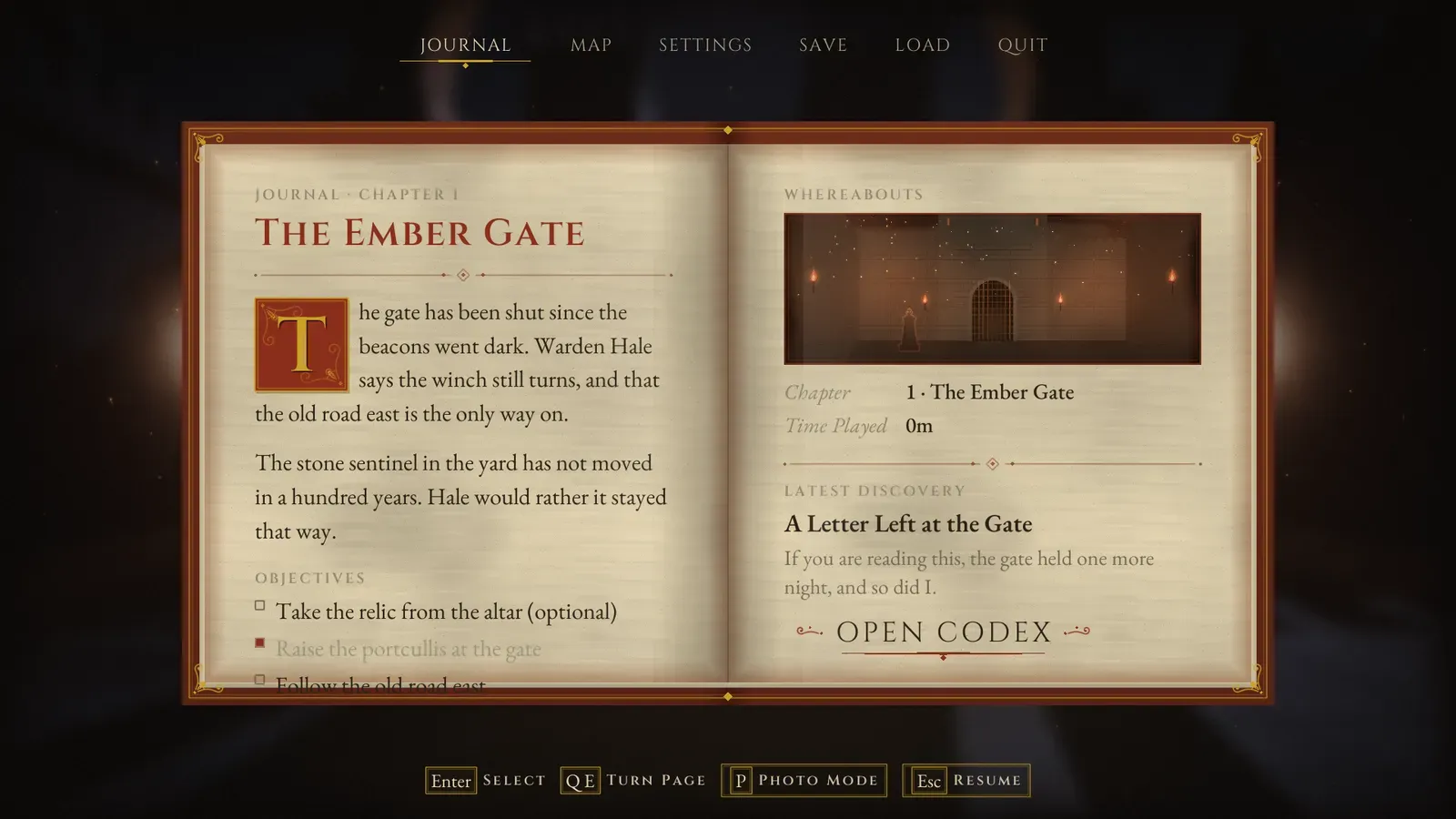
The Journal tab. The journal quest is set from your game code.
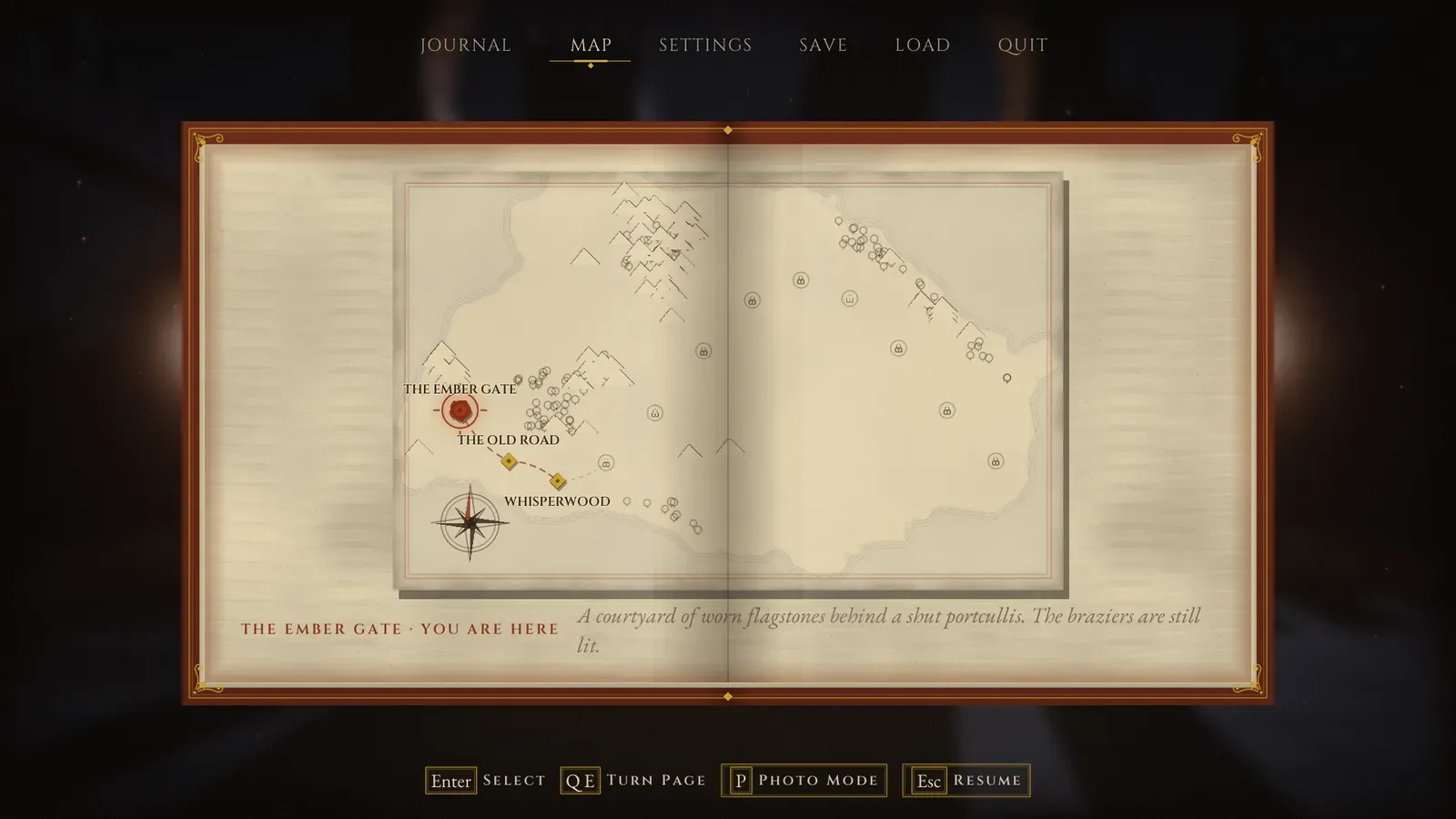
The Map tab shows the same world map as the chapter select.
- An Entries page lists the tab’s entries on the left page and describes the focused one on the right (the entry’s Description), with the last save beside saving and loading.
- A tab is an Id, a Label, a Page (Journal, Map or Entries) and, for Entries pages, its entries. Add, remove, rename or reorder tabs freely.
- P or the View button enters photo mode (with Enable Photo Mode on).
- Show Tab (Tab Id) and Switch Tab (Direction) on the pause menu screen turn to a tab from code.
The list layout
Section titled “The list layout”Pause Layout = List: the Pause Menu Entries on a stone plate under the Pause Title. Defaults: Resume, Save Game, Load Game, Restart Level, Select Chapter, Photo Mode, Settings, Main Menu and Quit to Desktop.
Over the paused game
Section titled “Over the paused game”- The settings, the chapter select, the codex, the slot screens and the credits show over the paused game too when they are opened from the pause menu.
- The colour change is a camera modifier on the player’s view (
AFMCameraModifier_Drain), added for you. It fades in real time, so it also fades while the game is paused. Set Pause Desaturation to 0 to keep the colour.