
Horizon loading screen
A themed loading screen shows while levels load in standalone and packaged games. It has a loading indicator, the Loading Text and a random tip from the Menu Config.
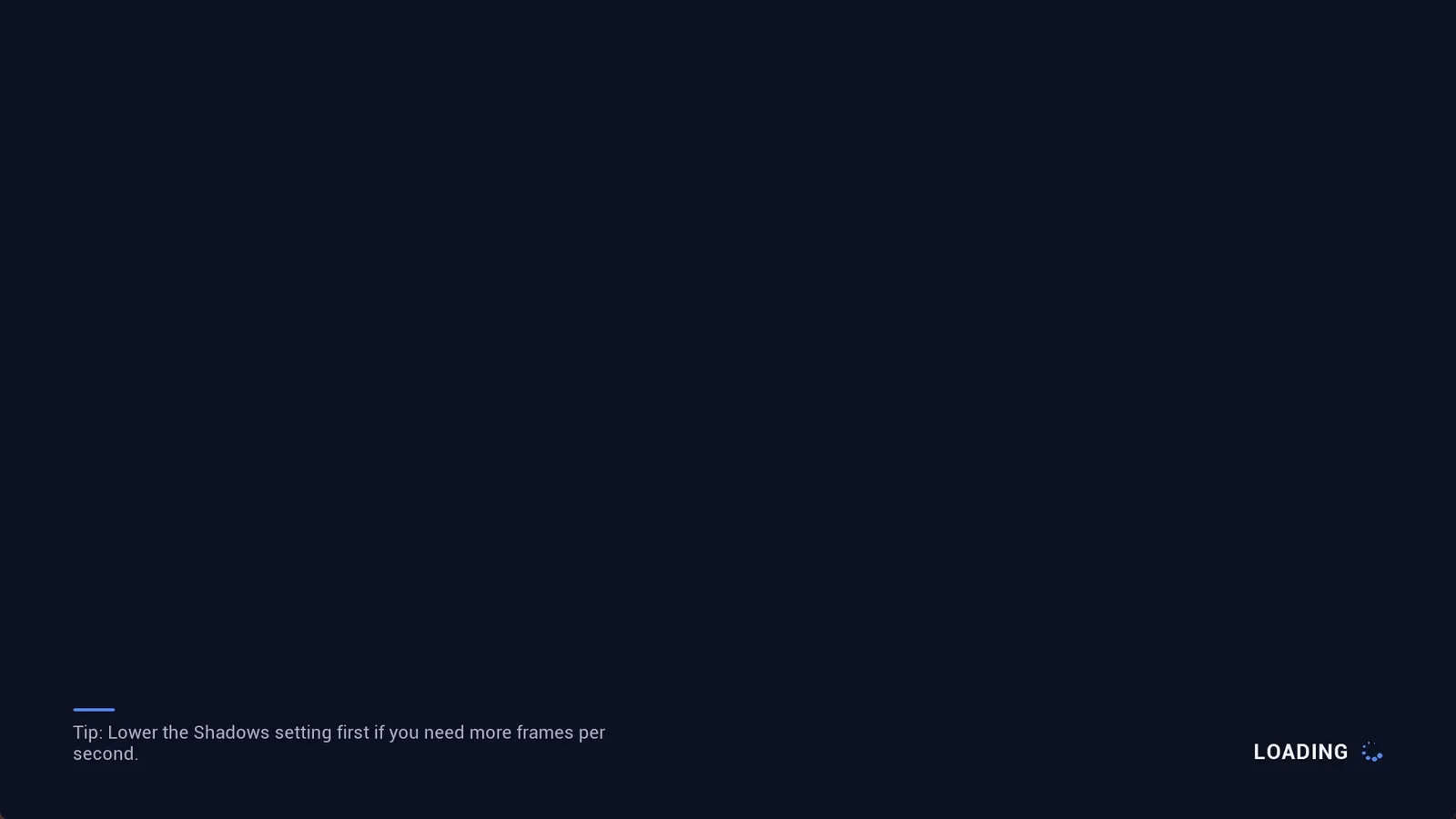
The loading screen picks one tip at random from your list.
- It uses the engine’s movie player, so it does not appear in Play In Editor.
- It is drawn on its own thread, so the indicator keeps moving while the game thread is busy.
- It stays up for at least Minimum Loading Screen Display Time (Project Settings), so it never flickers.
- If your game already sets up its own movie player loading screen, that one is used instead.
- When you run the game from the editor as a Standalone Game, the engine scans all content once the first level has loaded. The loading screen stays up through that scan too. Packaged games do not scan.
- Turn it off with Project Settings > Plugins > Assetpro Menu System > Enable Loading Screen.